Blog
What we’re shipping.
Every feature and update to Orcabase, the week it lands, with screenshots of the real product. Newest first.
- Posts
- 20
- Shipping since
- Latest
Real screenshots of Orcabase, showing Acme Corp, a demo company with two years of sample data.
Every post
October 2026
- New feature
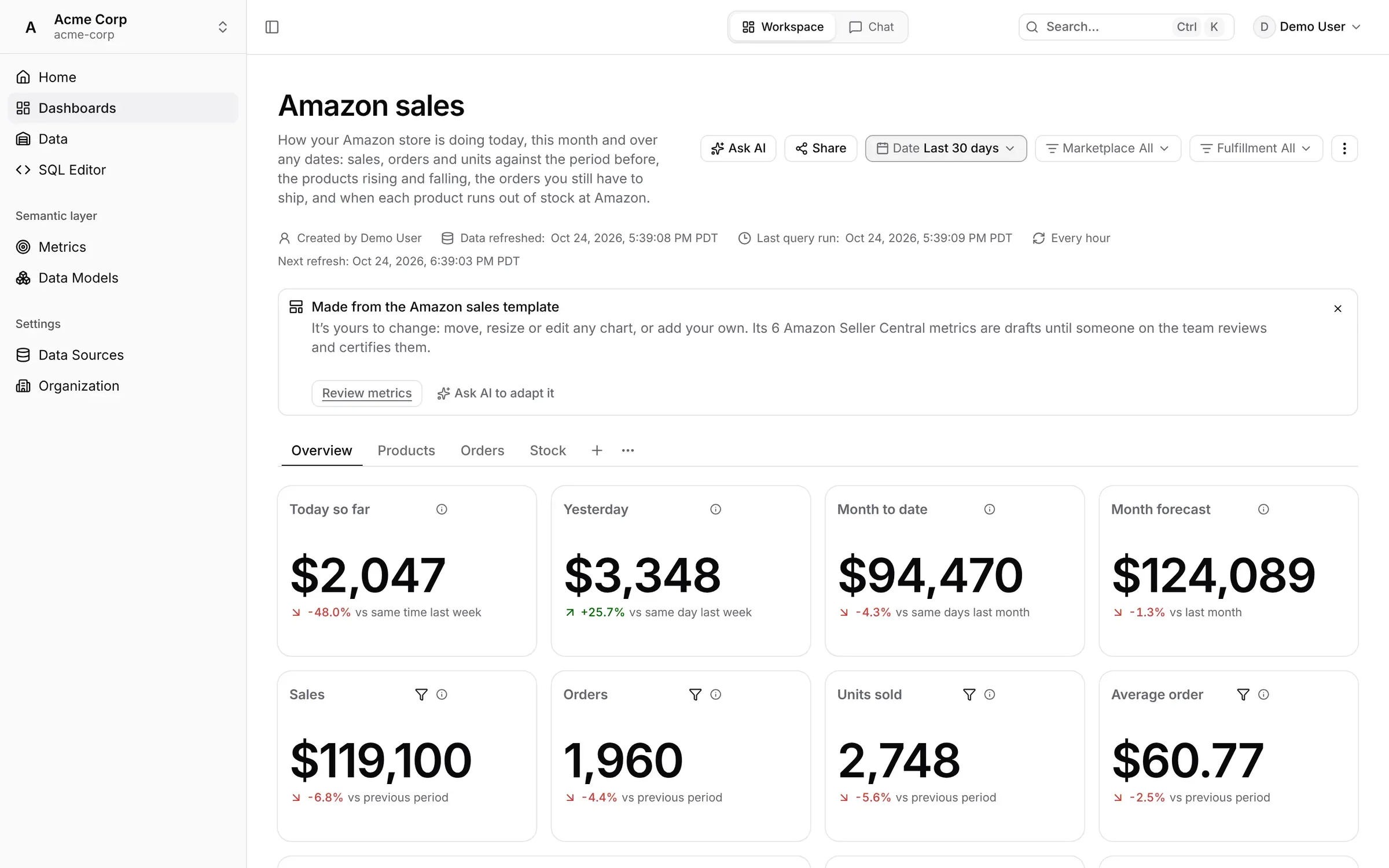
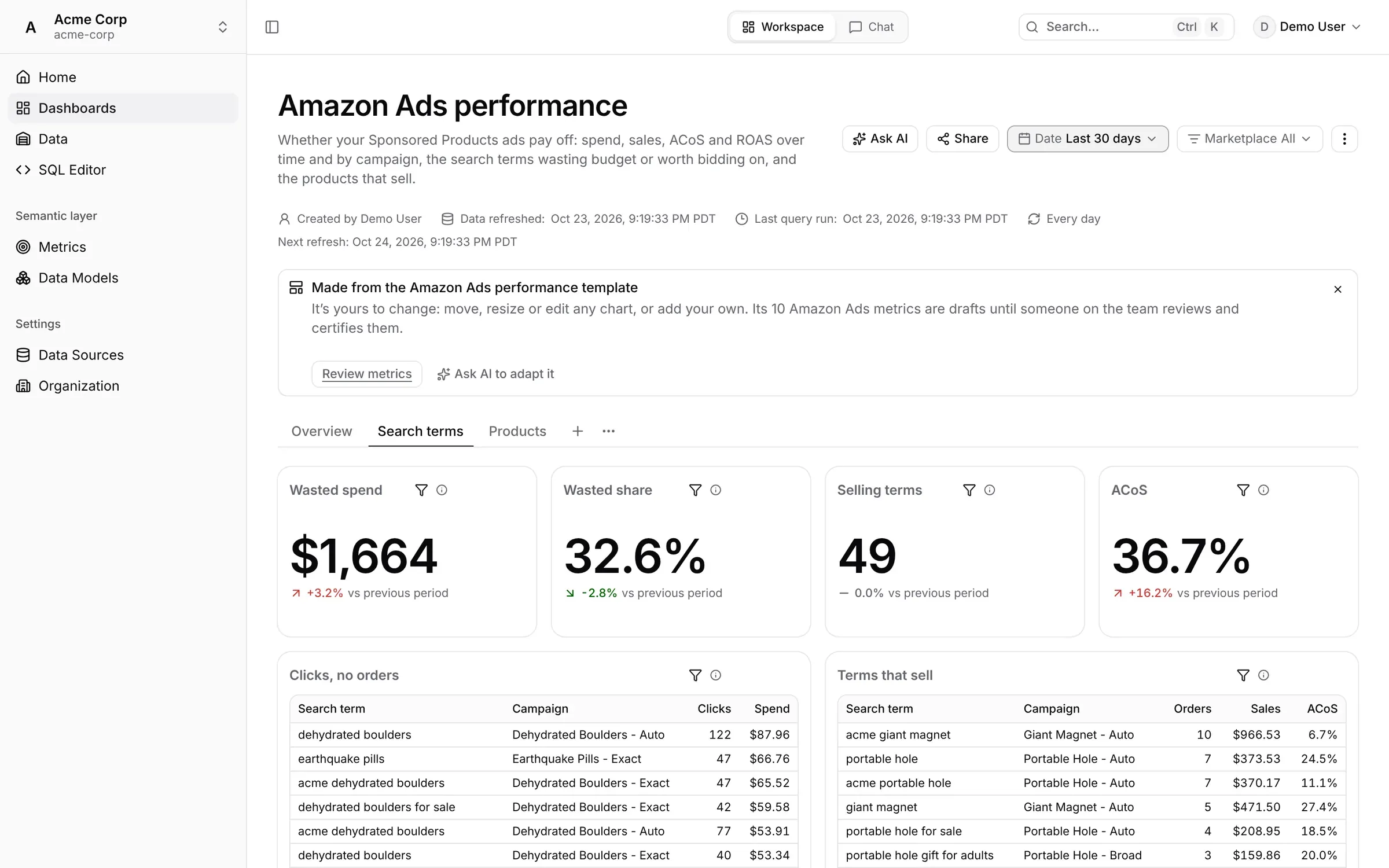
Dashboard templates for Search Console and Amazon Ads, and dashboard pages
Start from a finished dashboard for Google Search Console or Amazon Ads, set up on your own tables, and split any dashboard into pages.
- New feature
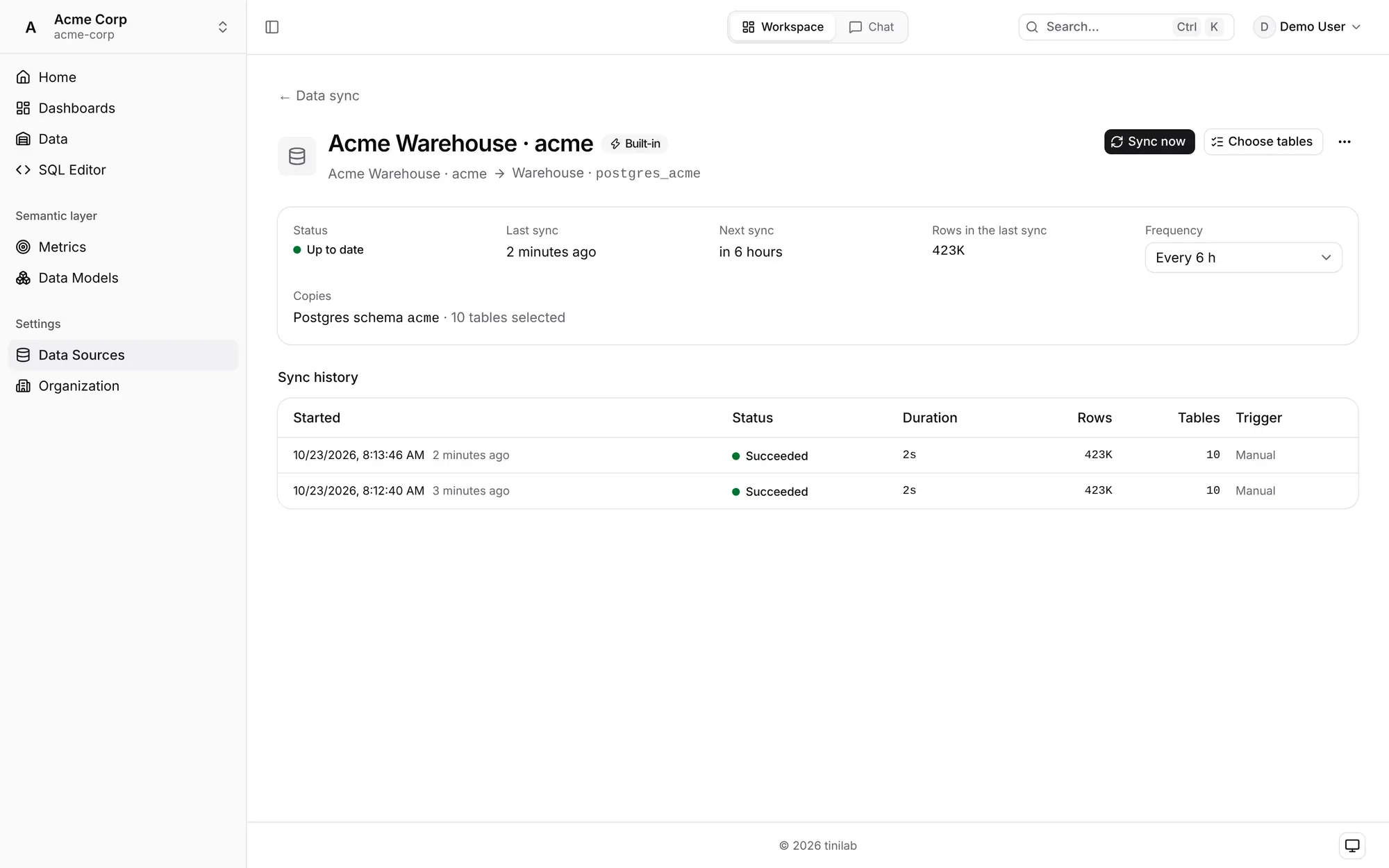
Copy any database into your warehouse, on a schedule
Copy a Postgres schema or a BigQuery dataset into your warehouse on a schedule, with the login Orcabase already has. Plus a page and history per sync.
- New feature
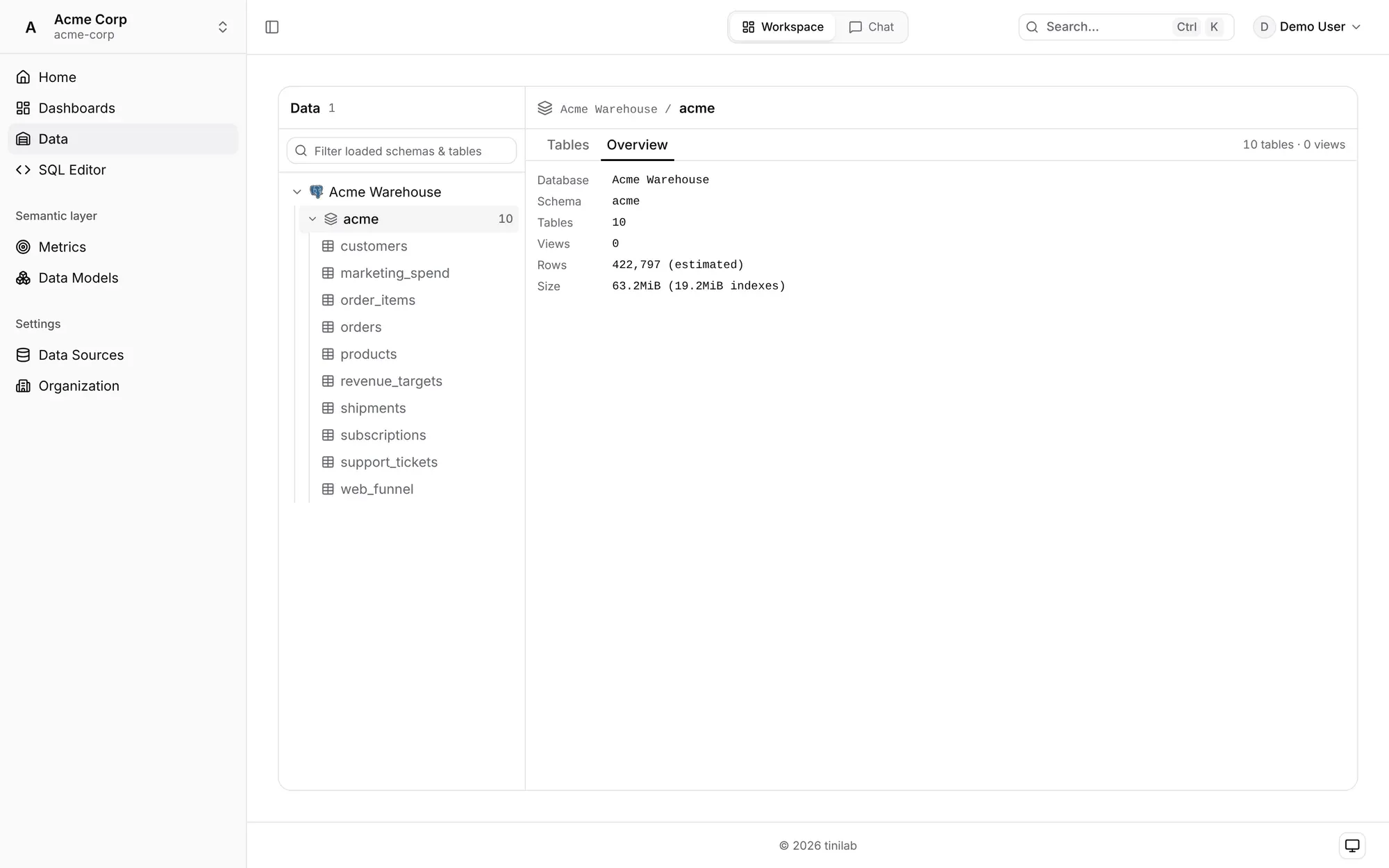
Storage at a glance, Google Search Console, and agent usage
See how many rows and how much space each table takes, bring in your Google Search Console data with its history, and see what the agent costs your team.
- Improvement
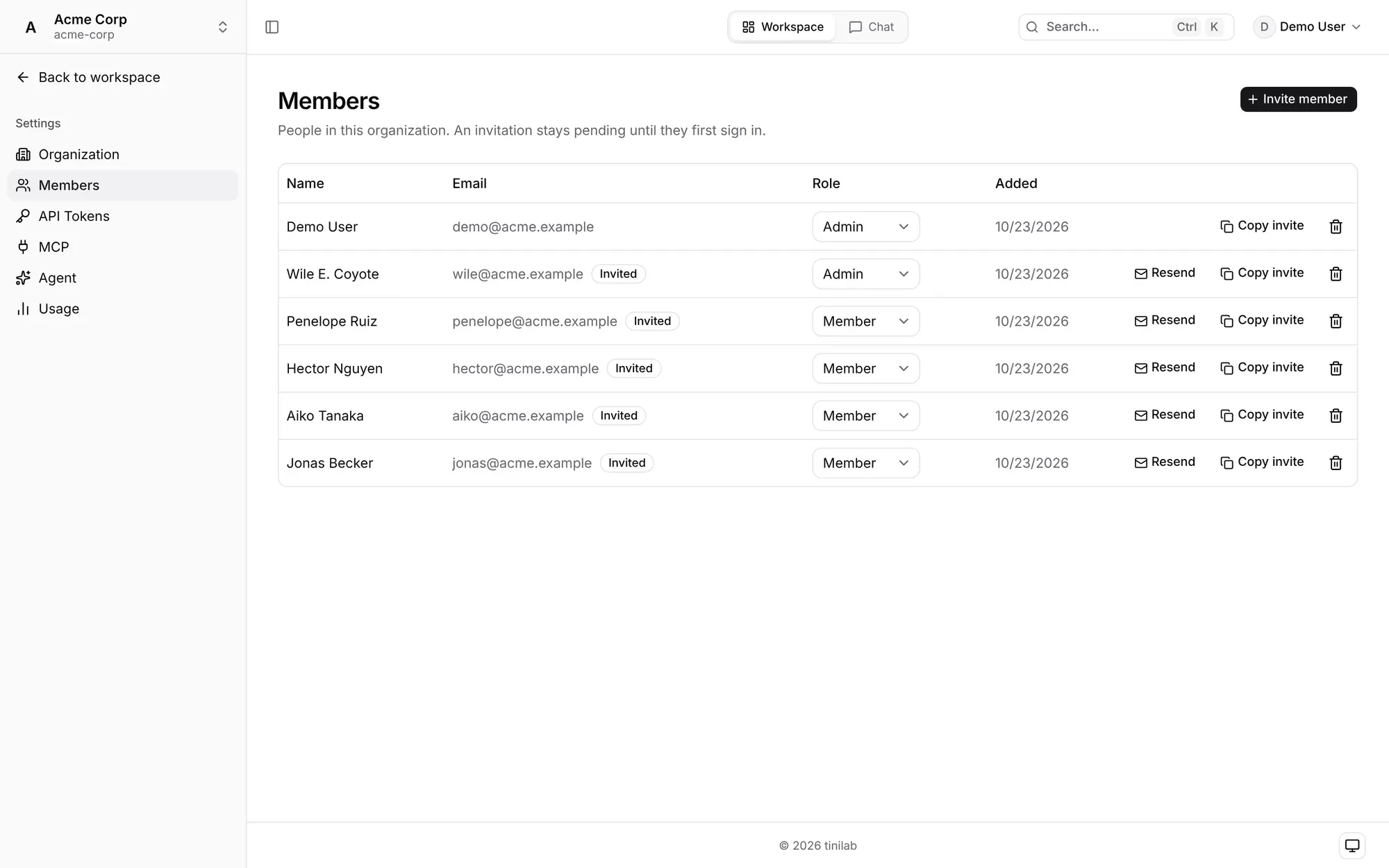
Invite your team by email, and watch the agent work
Invitations now arrive by email, with Resend for the ones that got buried. And when the agent changes a dashboard, you see each chart change as it happens.
- New feature
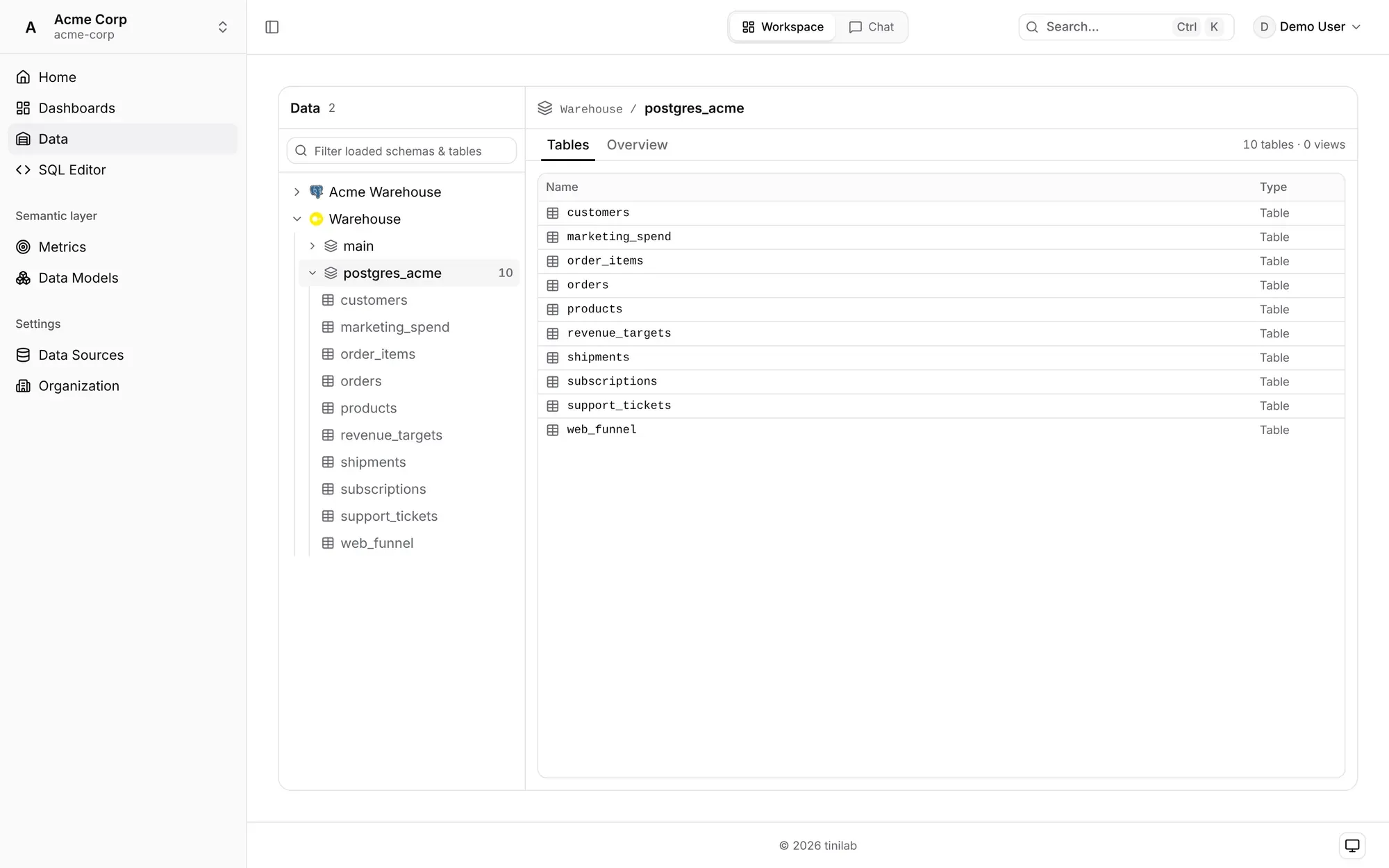
A data warehouse, built in
Every organization can now add a warehouse that Orcabase hosts, with nothing to set up: load files into it, sync data into it, and ask about all of it.
- Company
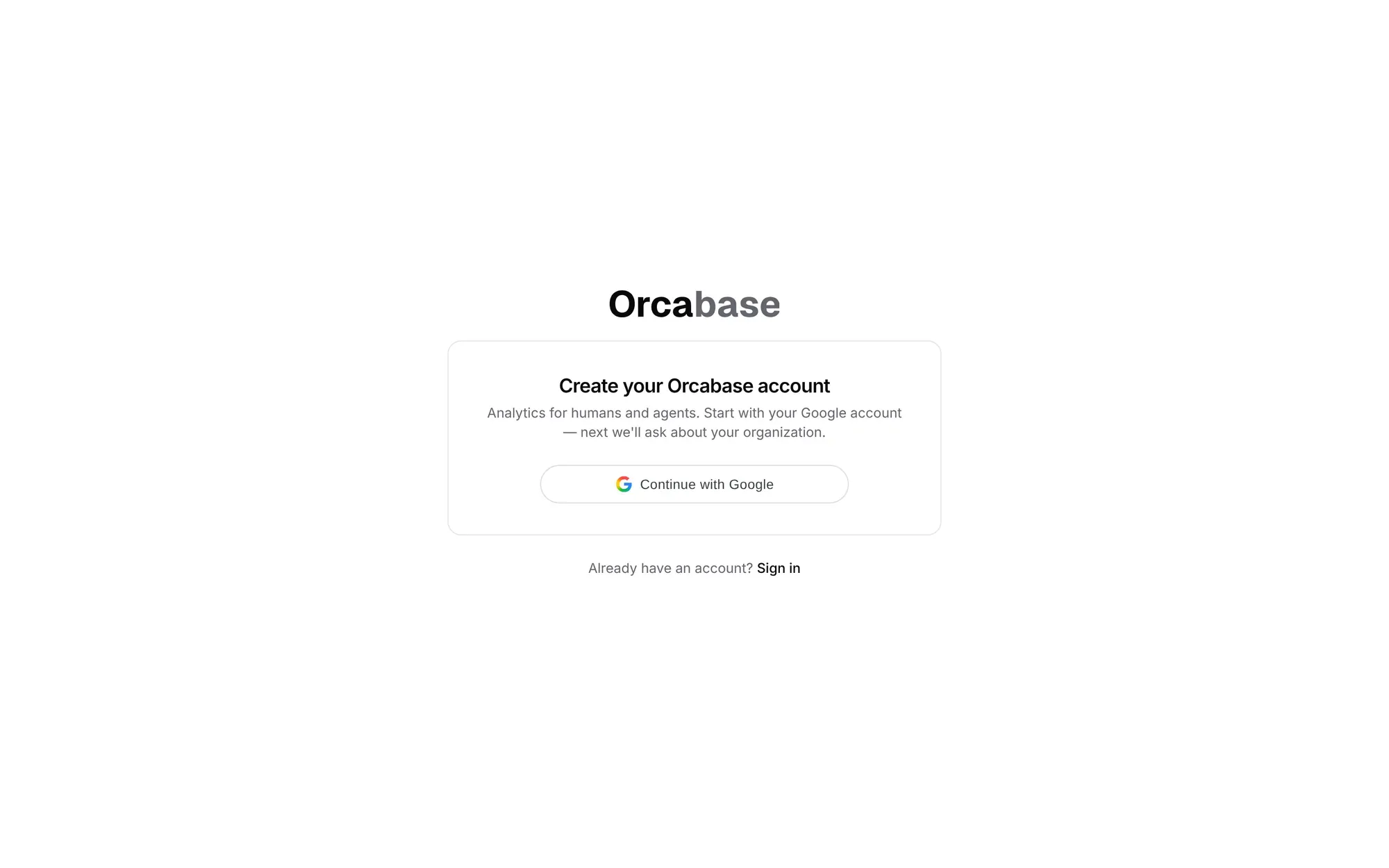
Sign up for Orcabase yourself
Anyone can now apply for an Orcabase account: continue with Google, tell us about your company, and we set up your organization once we’ve read it.
- New feature
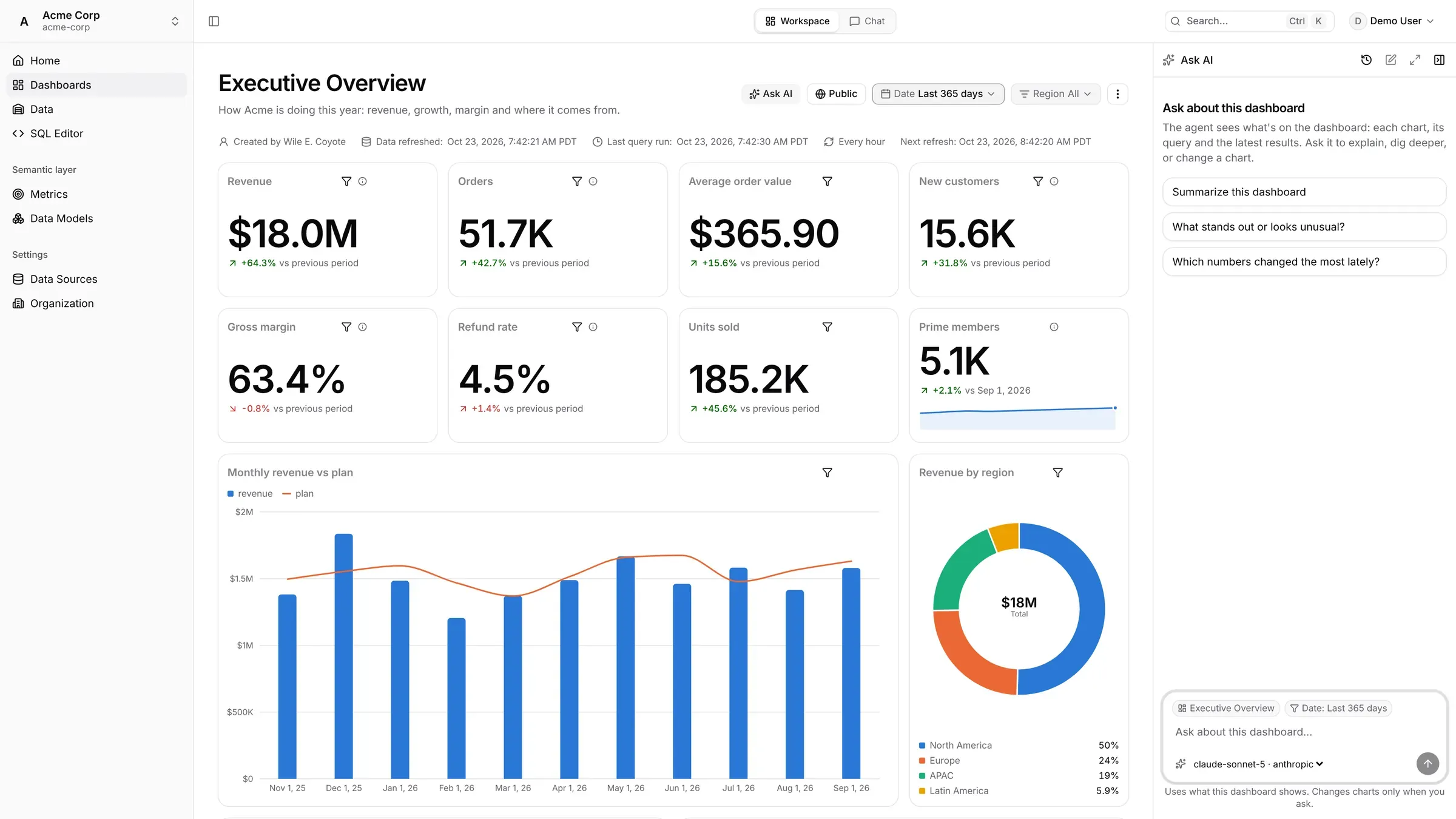
Ask AI, right beside your dashboards
Open the agent next to any dashboard or saved question and ask about what’s on screen. It fixes charts in place, and now runs on your own Claude key too.
- New feature
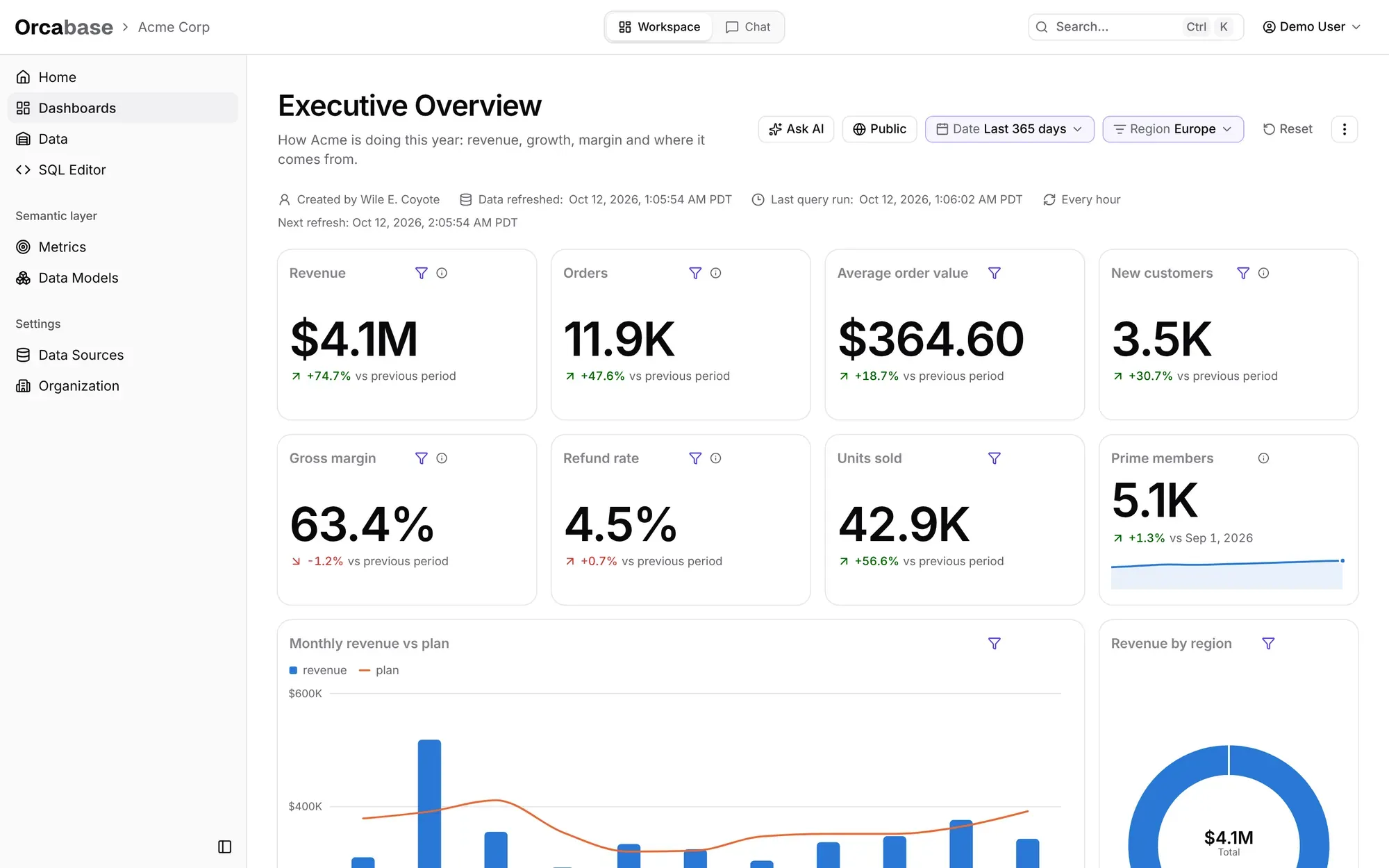
Dashboard filters, comparisons with last period, and your time zone
Narrow a whole dashboard to one region or the last 30 days, see every number against the period before, and have it all follow your company’s time zone.
September 2026
- Improvement
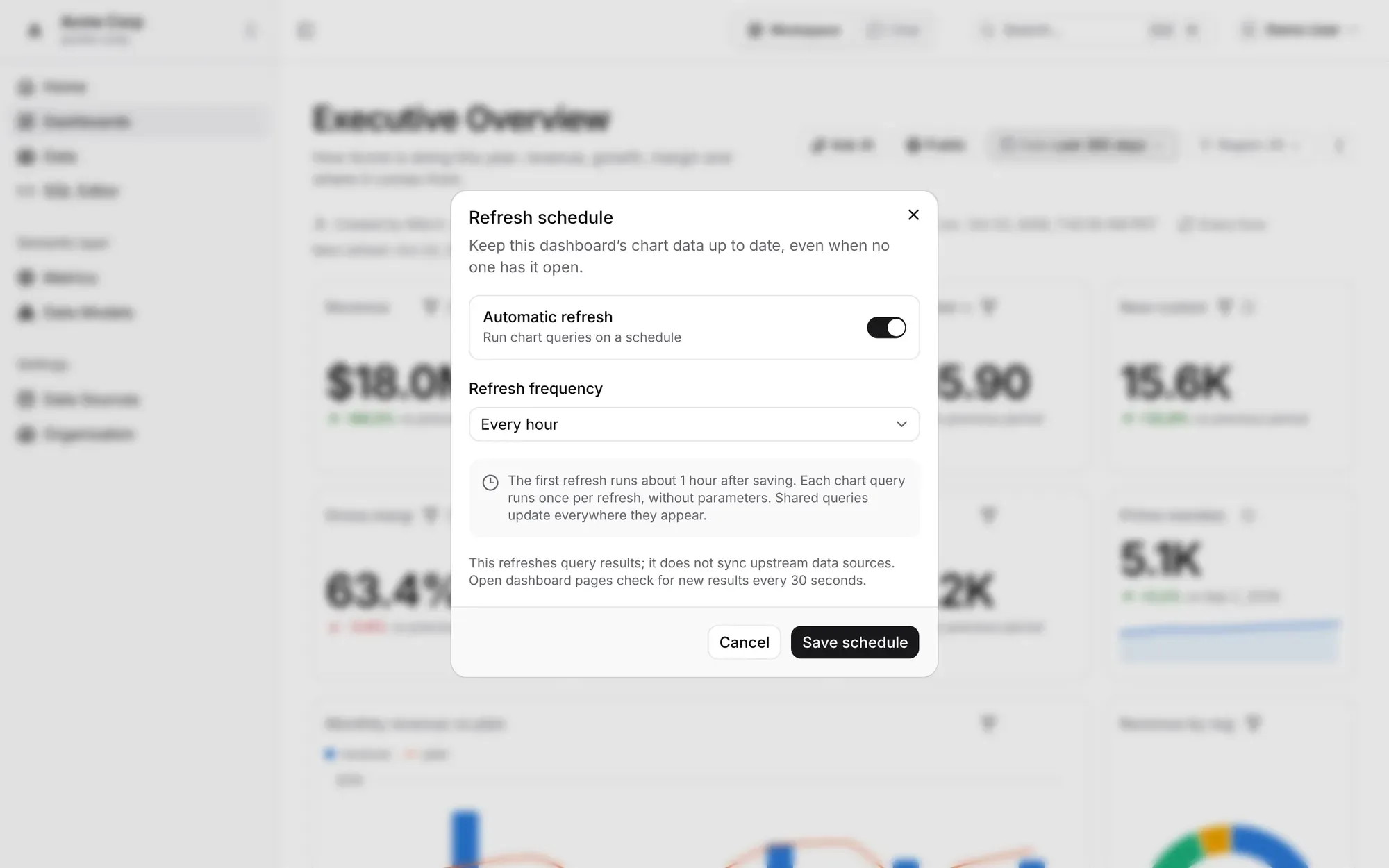
Dashboards that keep themselves up to date
Set a dashboard to refresh every hour or every day, even when nobody has it open. Plus a home page that’s yours, pages that open at once, and the docs.
- New feature
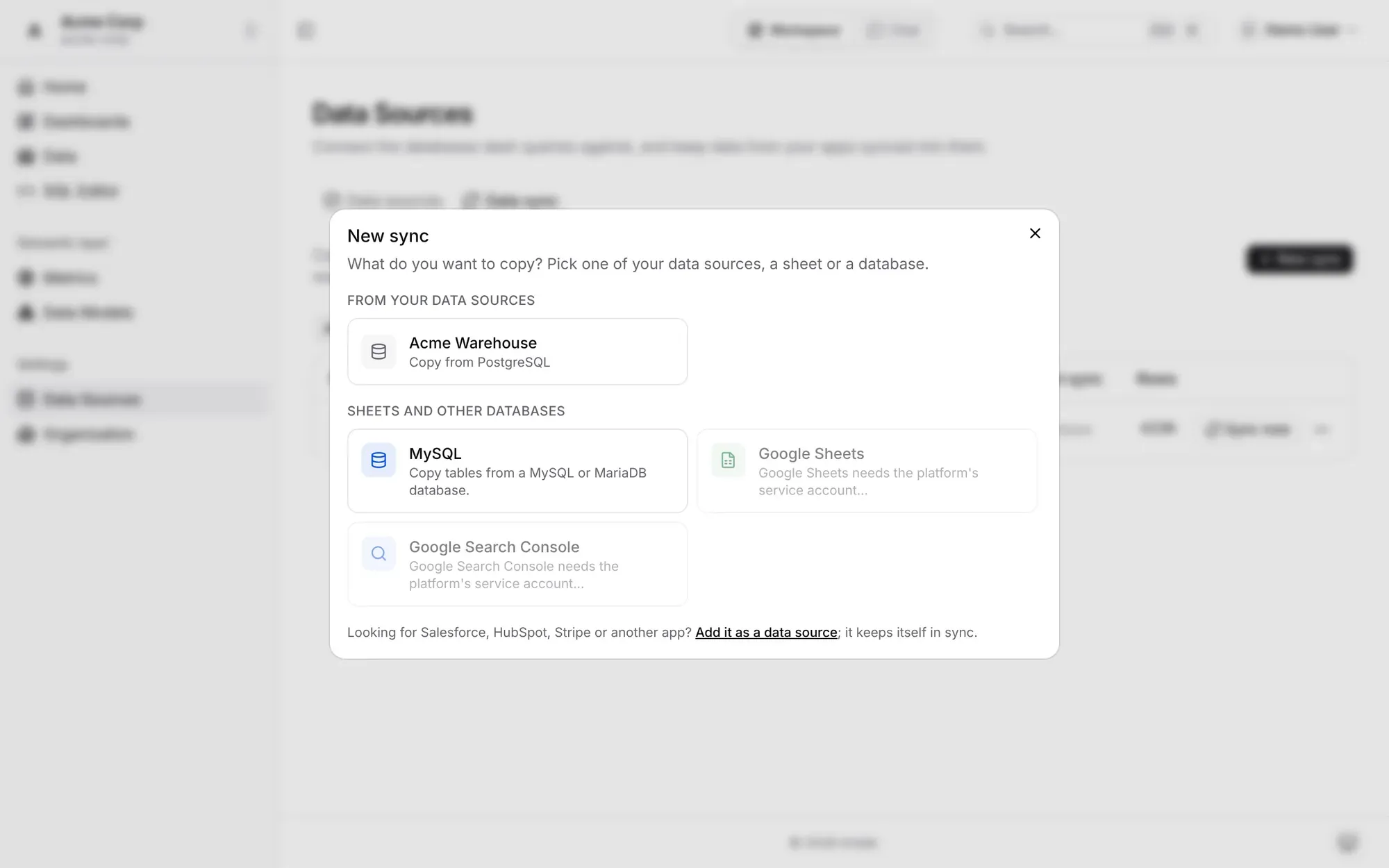
Bring in your spreadsheets, MySQL and hundreds of apps
Orcabase now copies Google Sheets and MySQL into a warehouse on a schedule, and brings in apps like Stripe, Shopify and HubSpot through Fivetran.
- Guide
The agentic data warehouse, for a company of one
What an agentic data warehouse is, why it matters when you run the company alone, and how to set one up, step by step. In plain words.
- Guide
The founder's guide to data
How to run your company on data, not guesses: what business intelligence means, the startup metrics that matter at each stage, and where AI agents fit.
- New feature
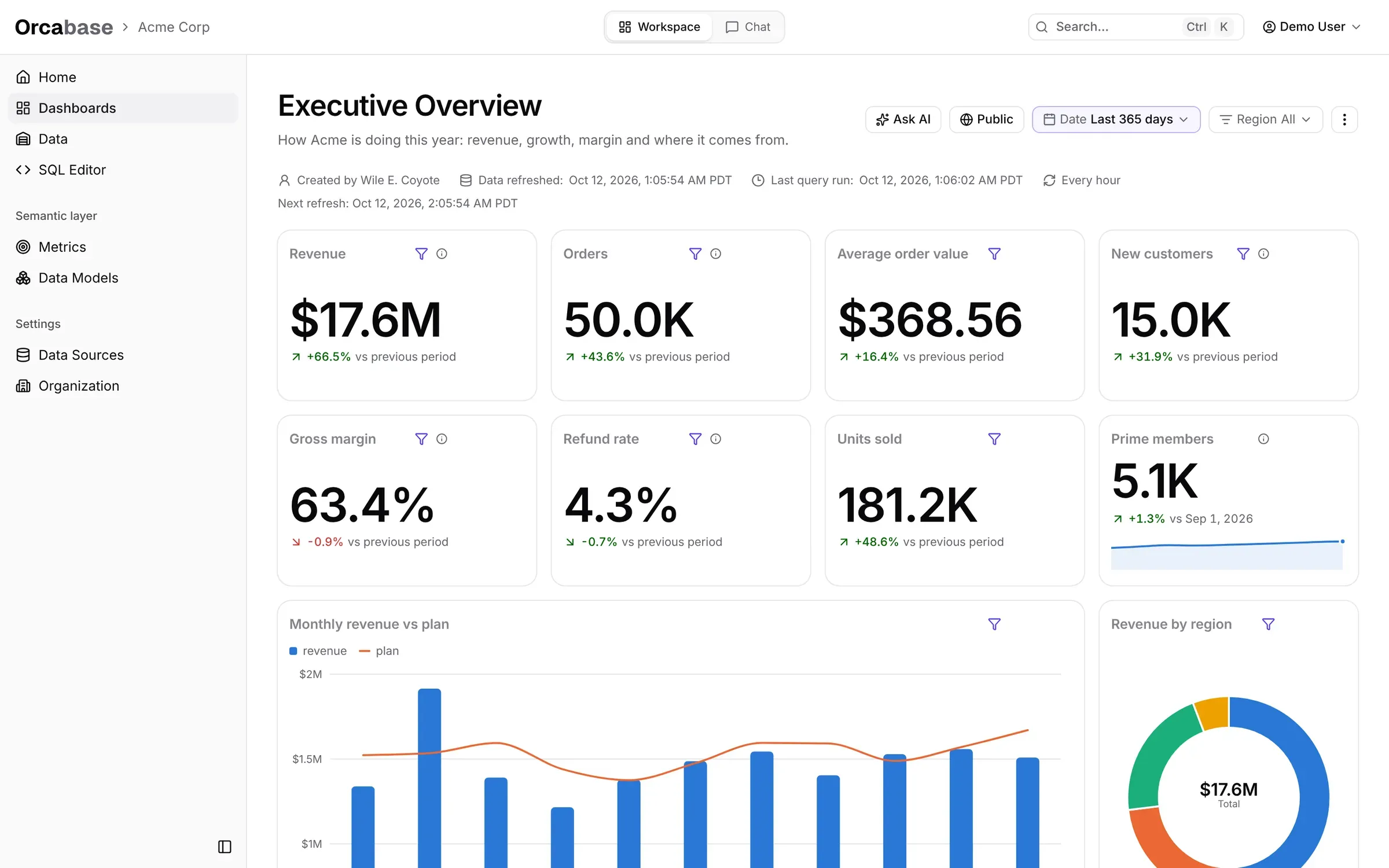
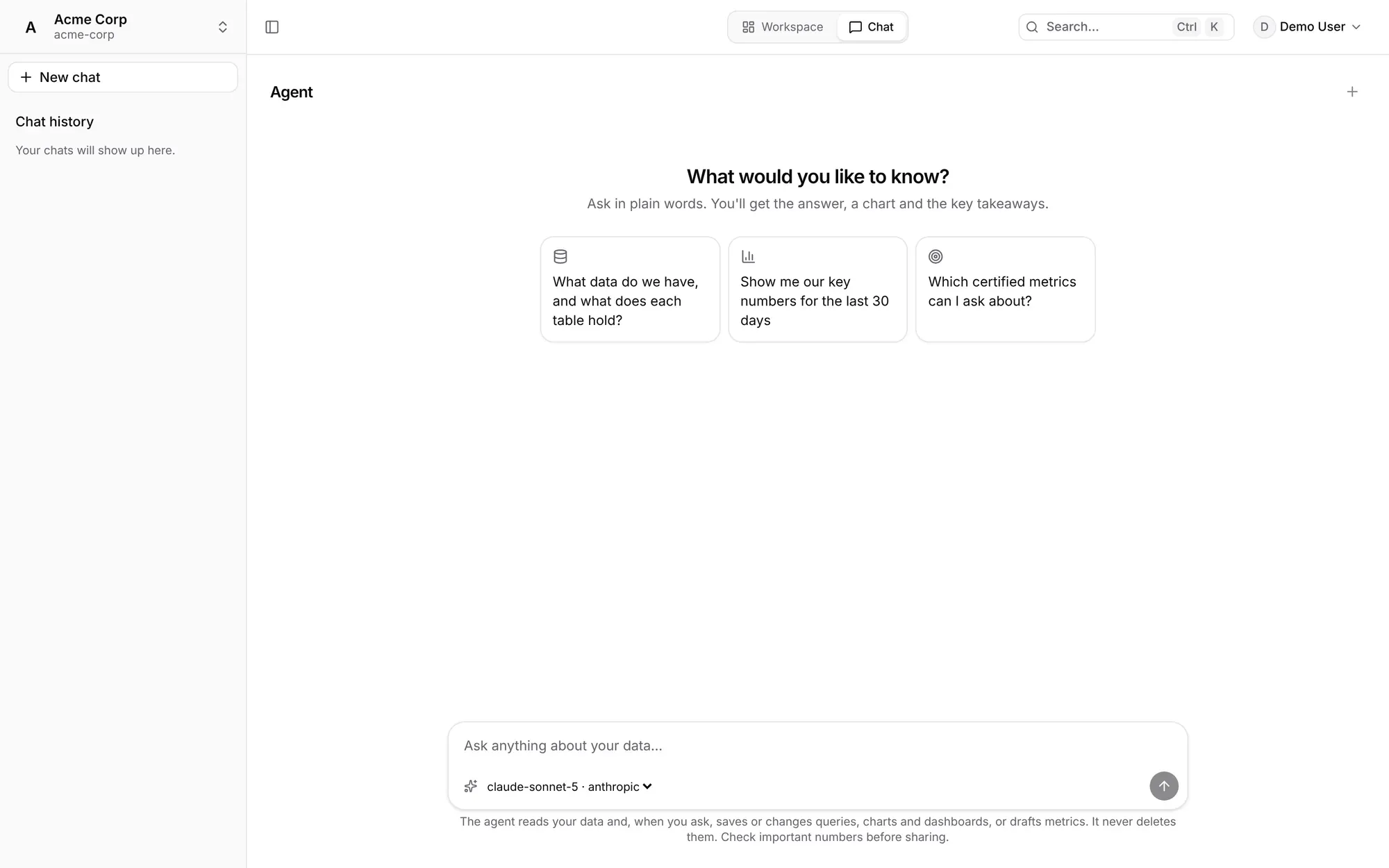
Meet the Data Agent: ask in plain words, get the answer and the chart
Ask a question about your business in plain words. The Data Agent looks through your data and answers with the number, a chart and every step it took.
- New feature
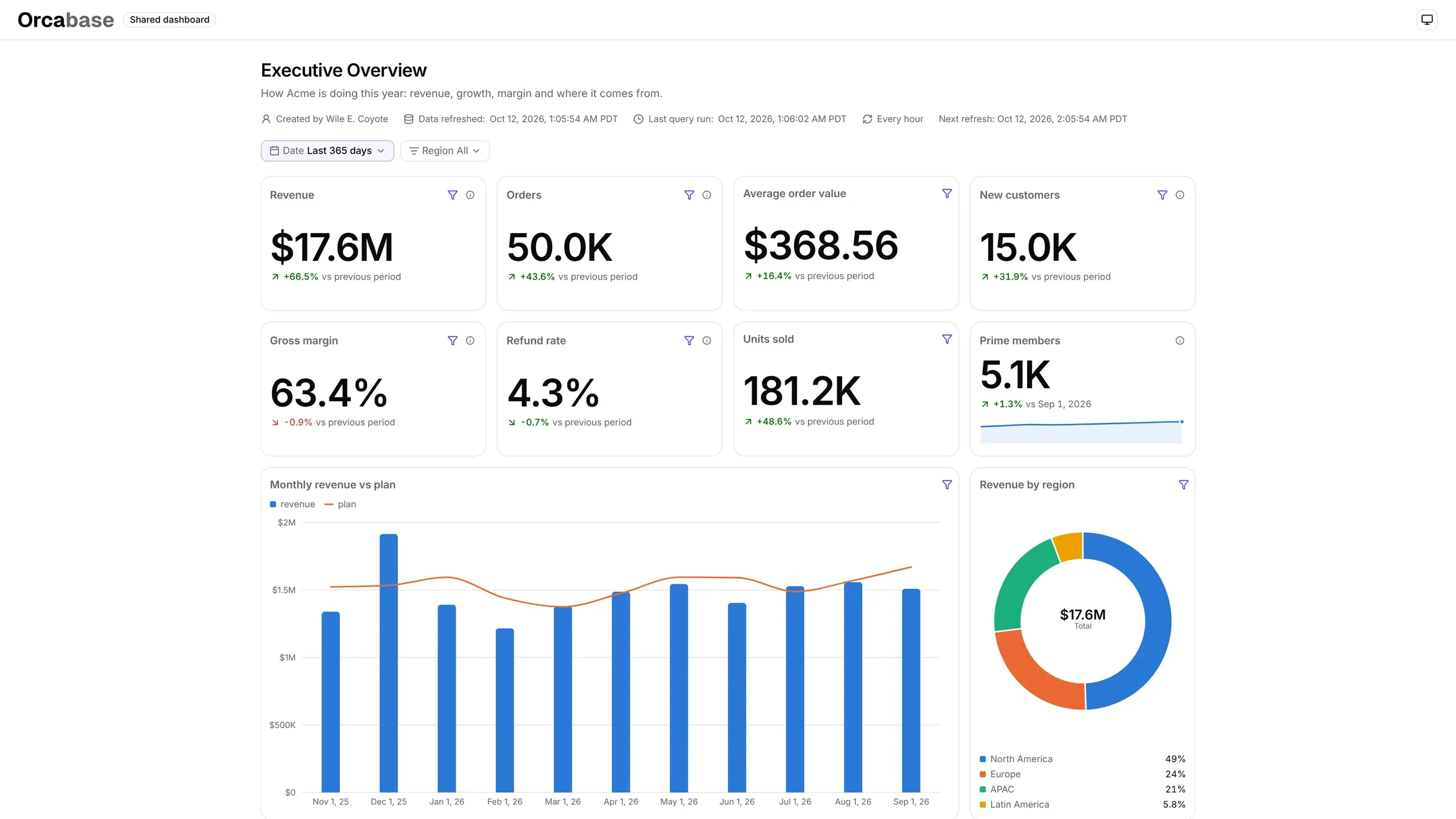
Share a dashboard with a link
Turn on a dashboard’s public link and anyone you send it to can see it, read-only, with no account. Turn it off and the link stops working at once.
- New feature
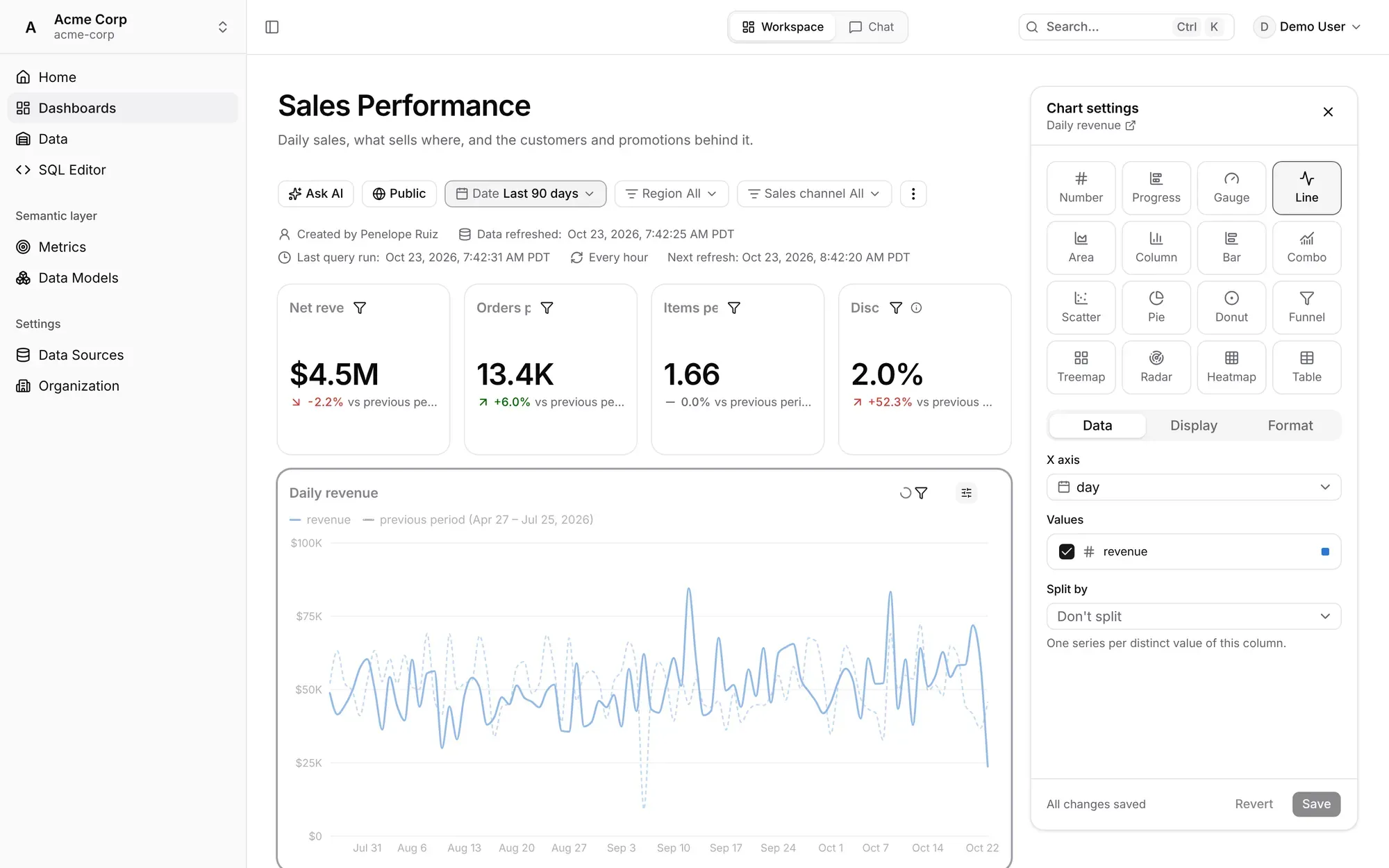
16 chart types, and dashboards you edit right where you read them
Pick the right chart for each number, from a single figure to a funnel, and change any of it in place. Plus clearer results and a page per data source.
- New feature
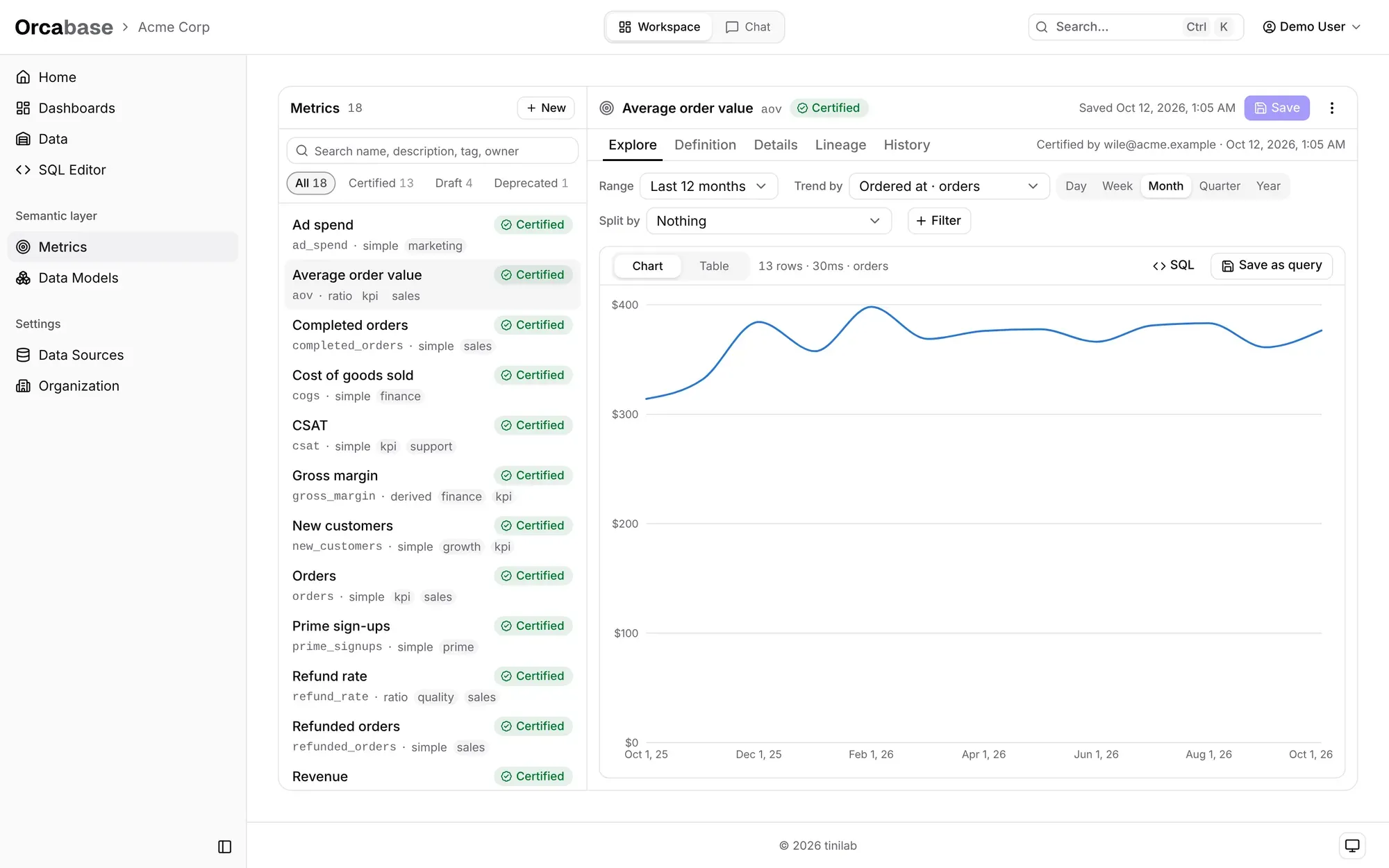
Metrics: define a number once, and get the same answer everywhere
Write down what revenue, churn or active customers means, once. Every dashboard, question and AI assistant then uses it, and a person certifies it.
- New feature
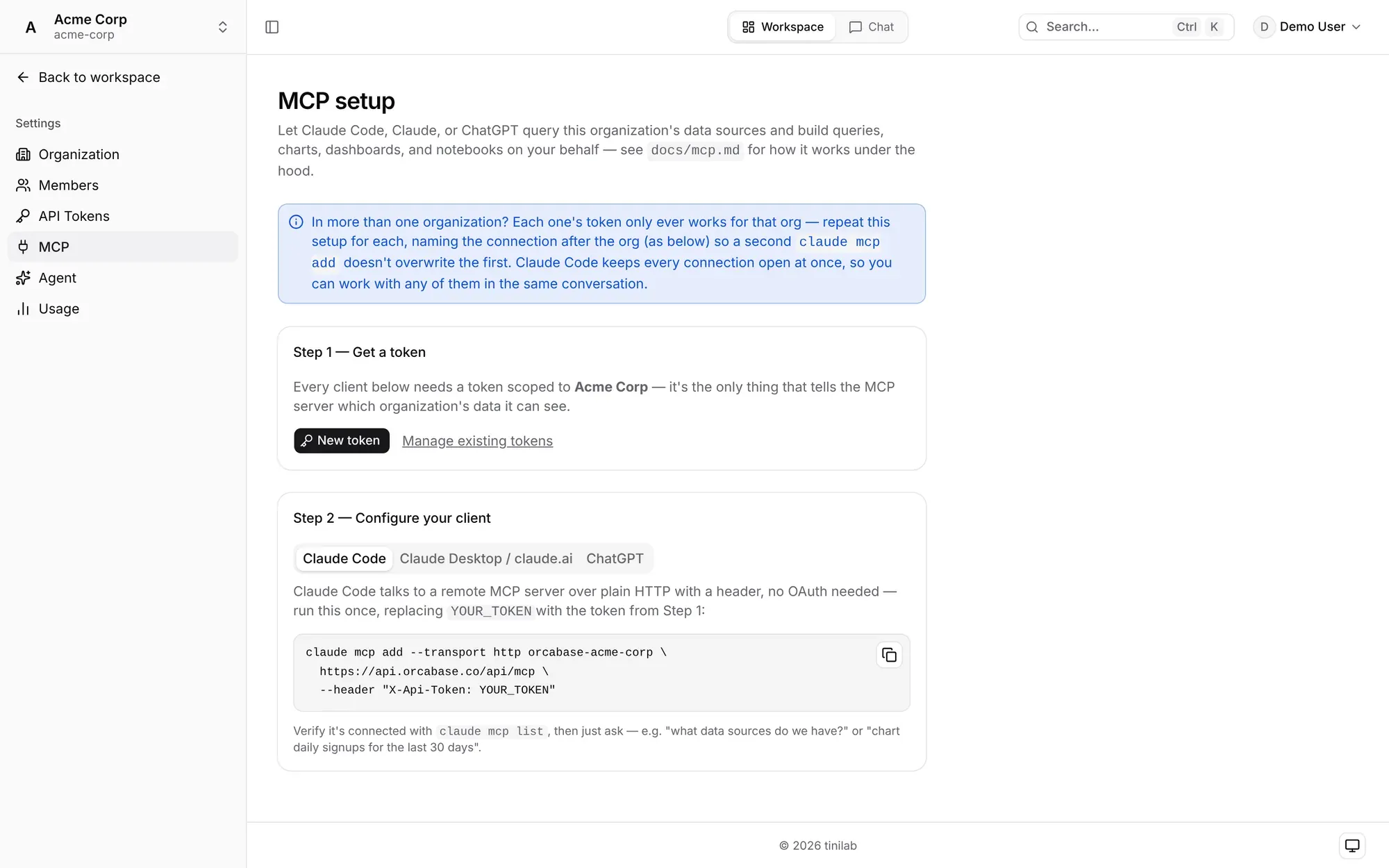
Ask Claude and ChatGPT about your business, with your real numbers
Connect Claude or ChatGPT to Orcabase and they answer from your live data: look things up, save charts and build dashboards. Plus logins for your team.
- New feature
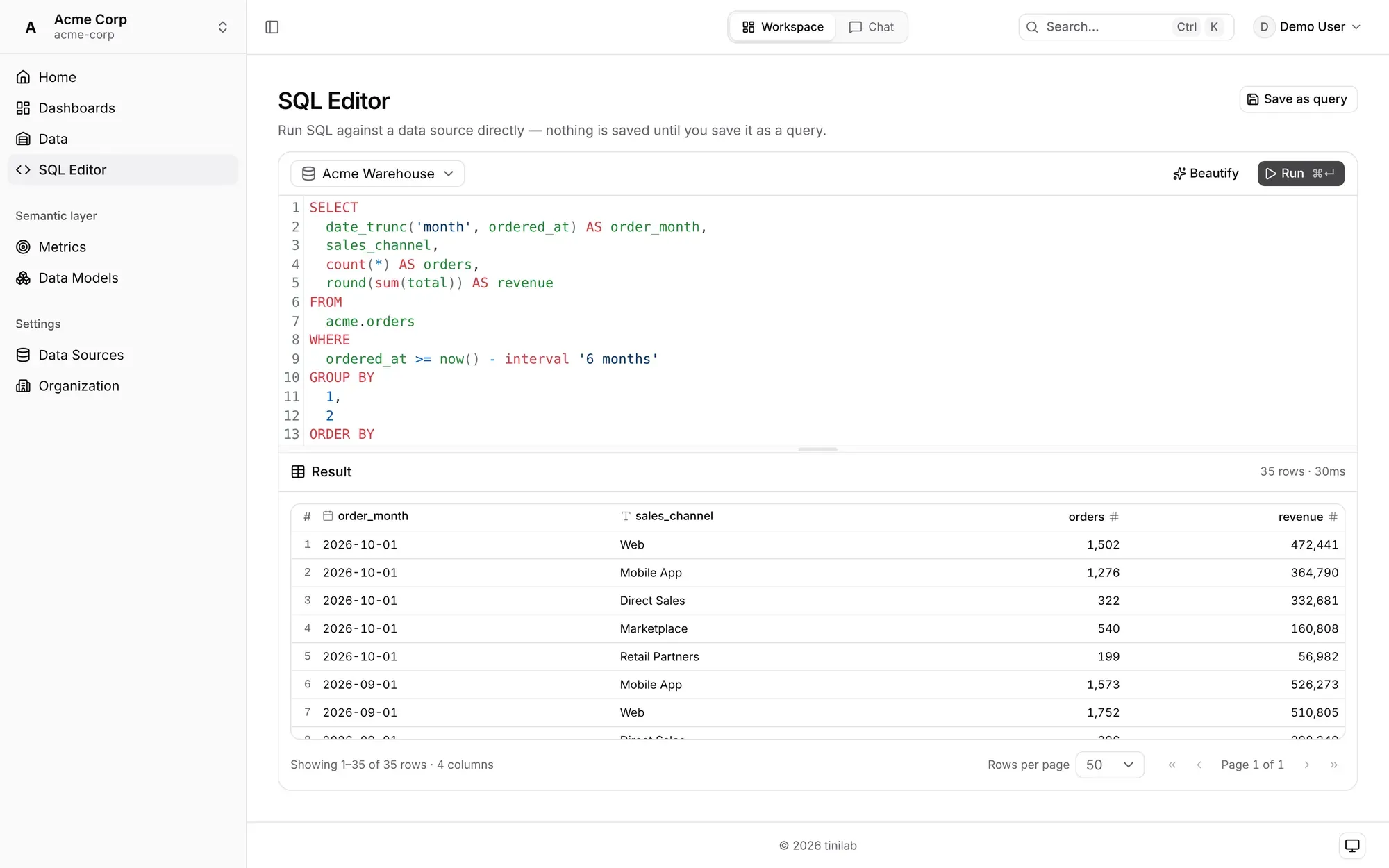
A SQL editor, a proper results grid, and dashboards you can rearrange
Try a question against any data source without saving it, with autocomplete that knows your tables. Plus a paged results grid and drag-and-drop dashboards.
- New feature
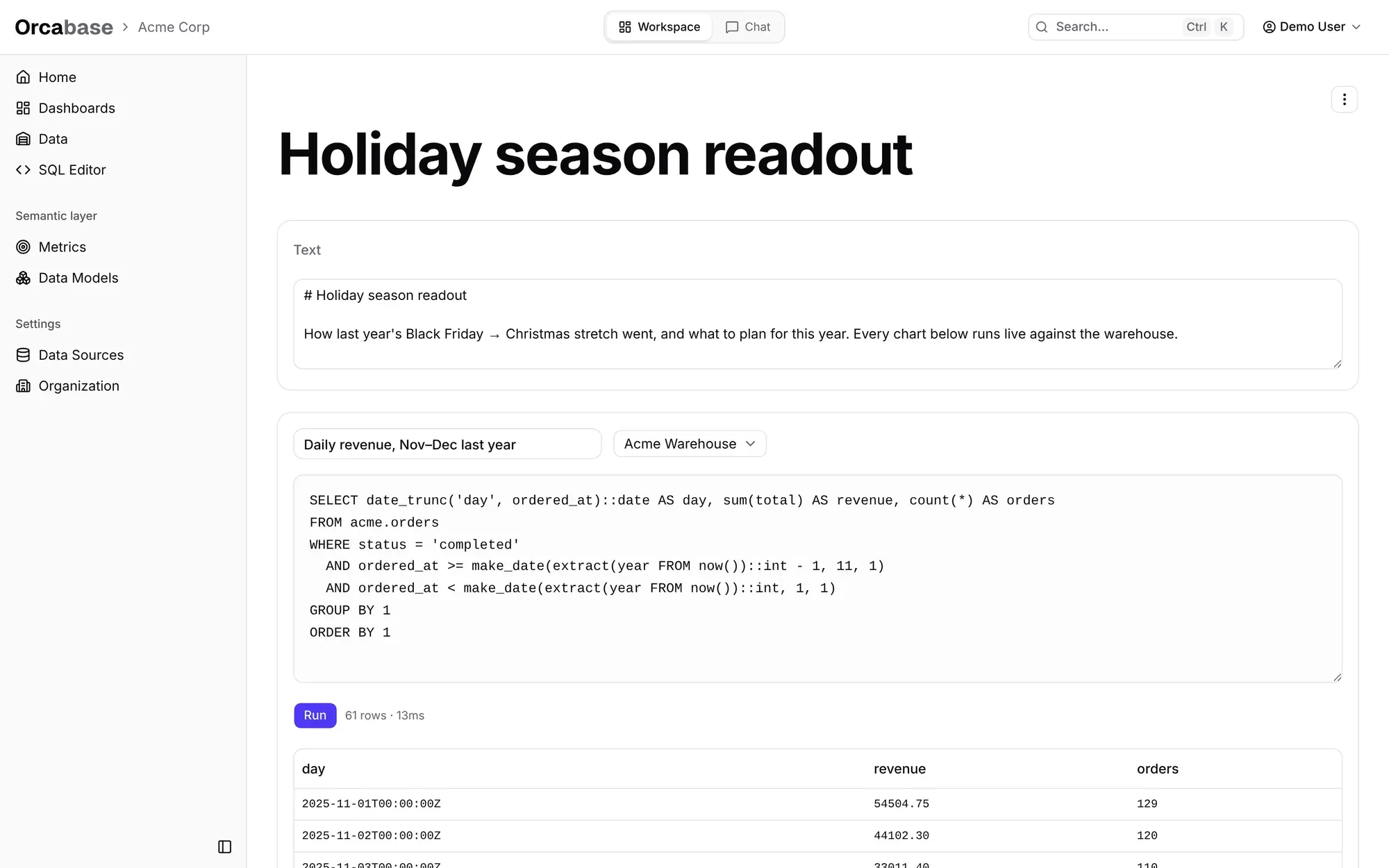
Day one: connect your database, ask, and pin the answer
The first version of the app: connect PostgreSQL or BigQuery, ask questions in SQL, work them through in notebooks, and pin the charts to dashboards.
See what’s new on your own data.
Everything on this page is in the app today. Connect your data and try it.
Sign in with Google and tell us about your company. We review each sign-up and email you when you’re in.