Inviting someone used to mean copying a link and sending it yourself. Now Orcabase sends it.
Invitations by email
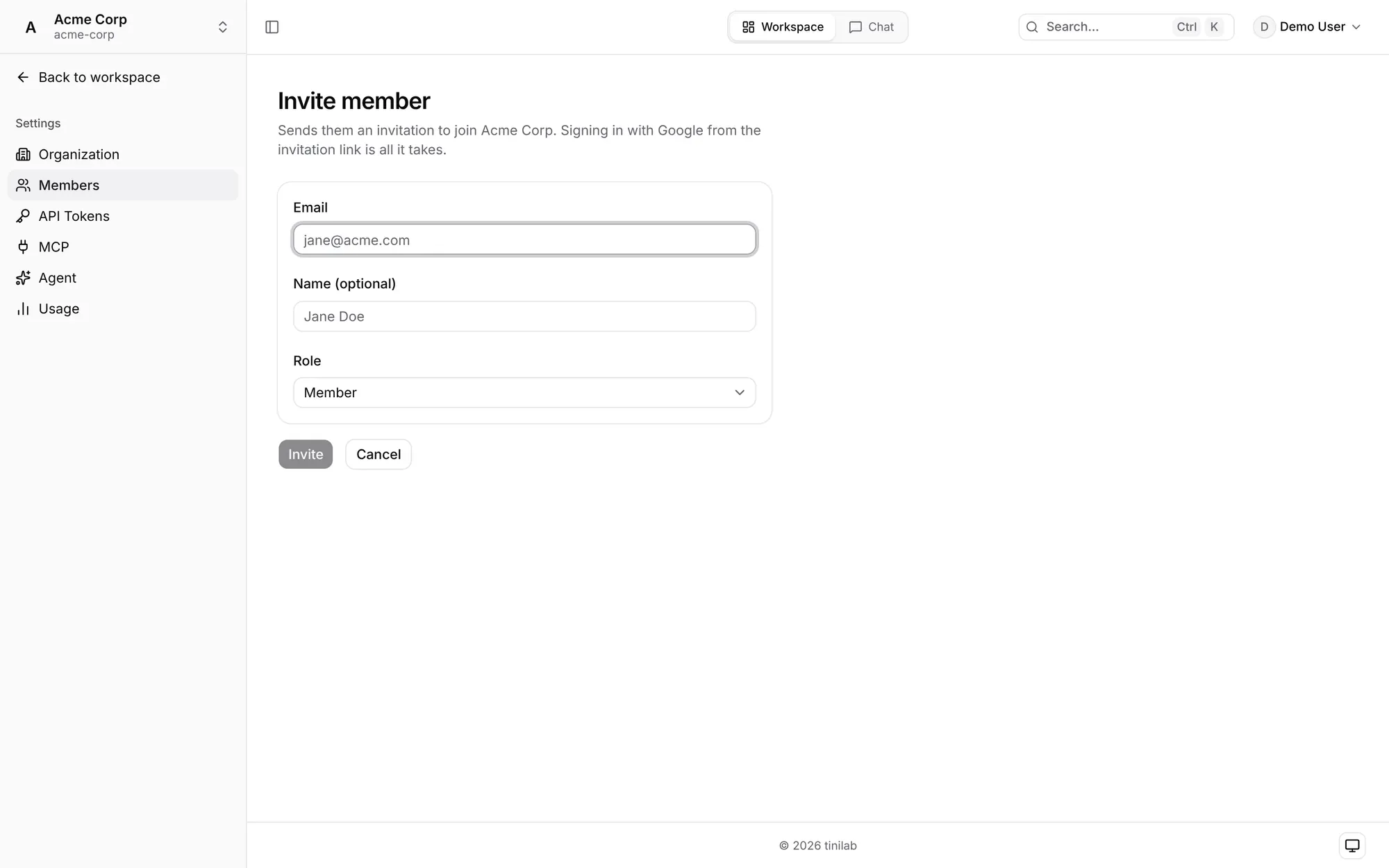
In Settings → Members, Invite member takes an email address, an optional name and a role (Member or Admin). They get an email saying who invited them, to which organization and as what, with a link to join. Signing in with Google from that link is all it takes.
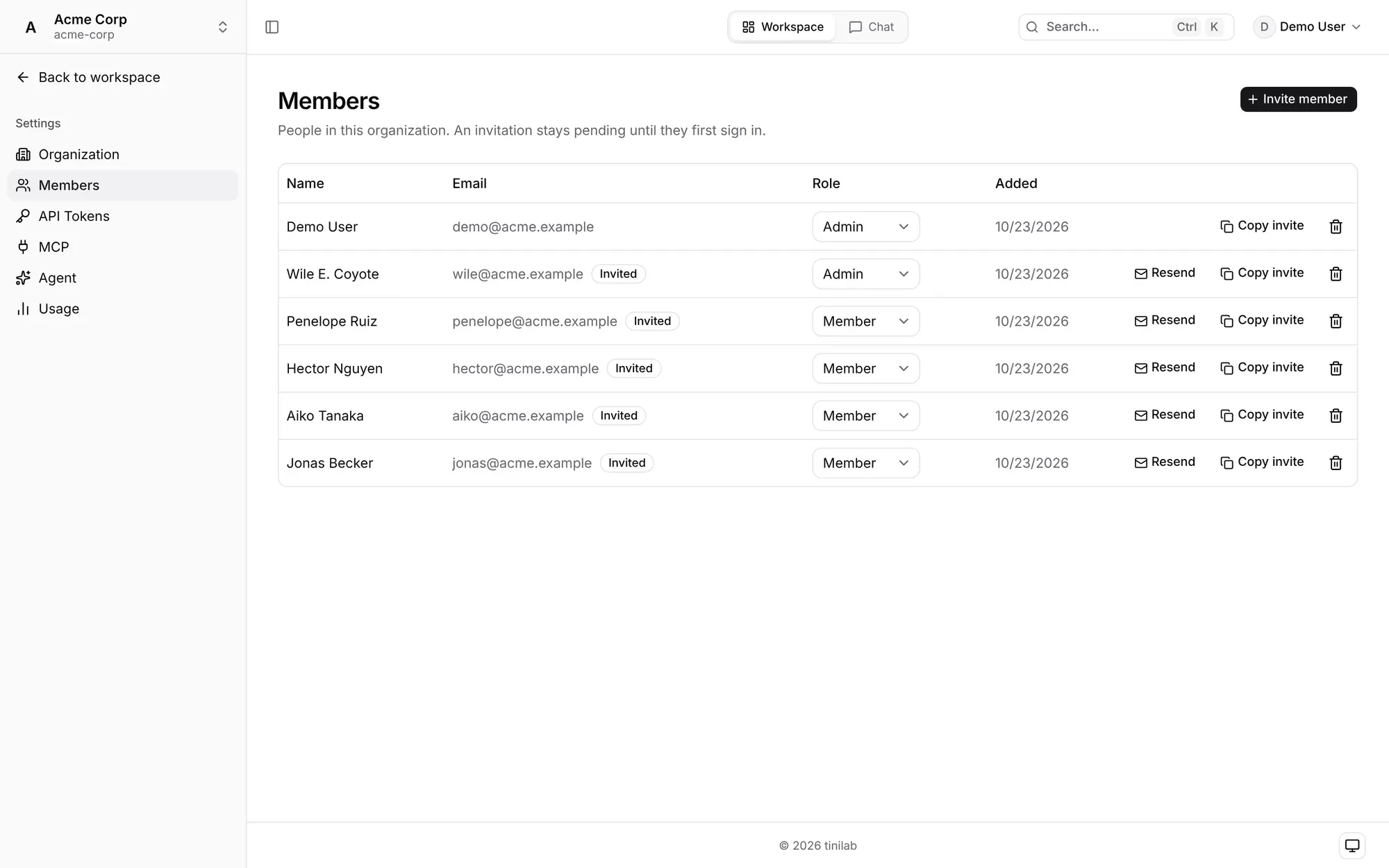
Until someone joins, they’re marked Invited on the members list. If the email got buried, Resend sends it again, and Copy invite gives you the link to send another way. New people also get a short welcome email with a link to their organization and to the quickstart, and anyone whose sign-up we approve hears from us straight away.
Switching organization
If you work with more than one organization, the switcher now sits at the top of the sidebar, in the workspace and in Chat alike, and opening the app takes you back to the one you used last. Your name and photo follow your Google account, unless you’ve set your own name in your profile.
Watch the agent work
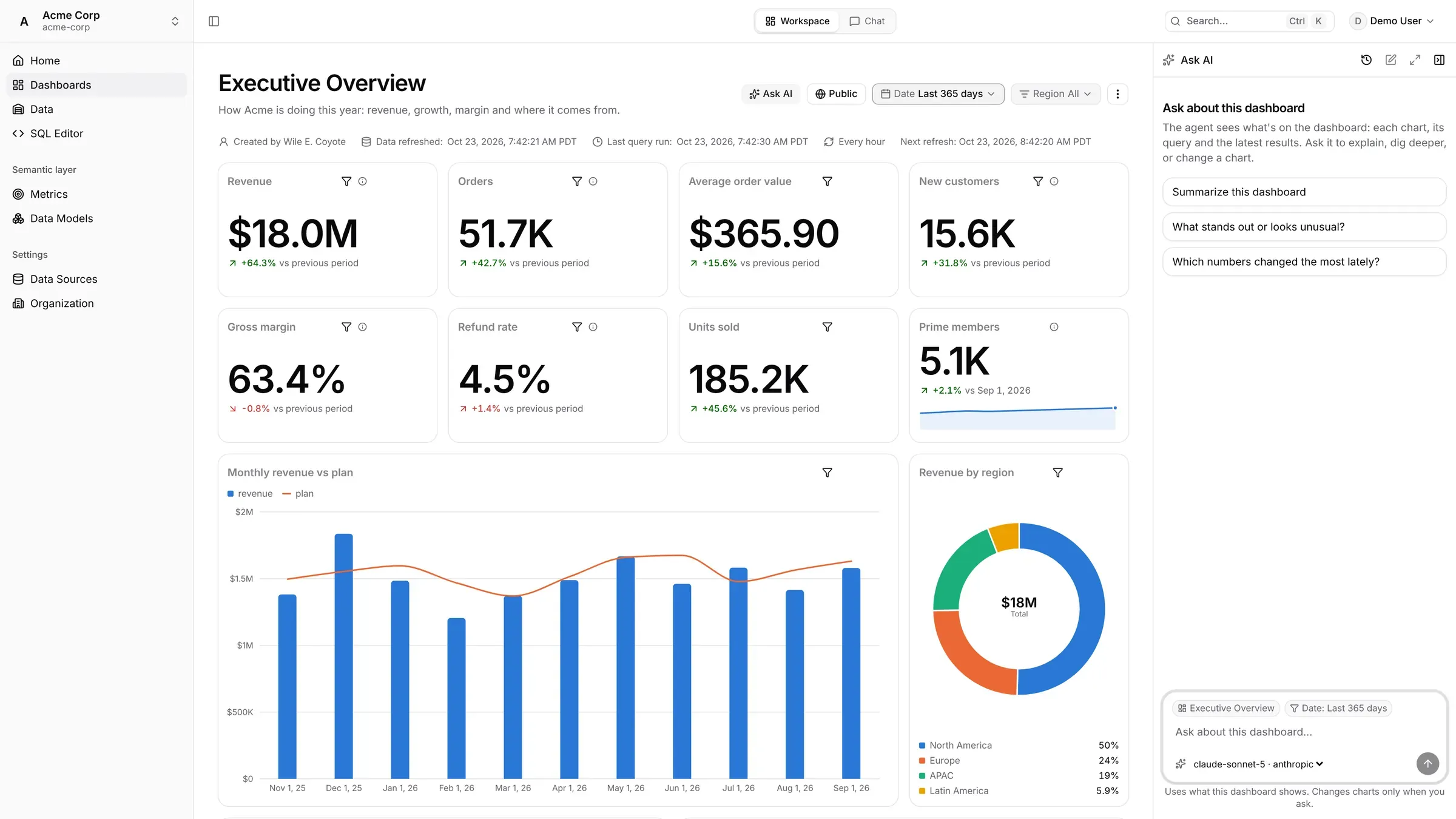
When you ask the agent, in the Ask AI panel, to change a dashboard, you now see it happen. The charts it’s working on show a ring and a spinner, and the dashboard’s header says what it’s doing: Updating “Revenue by month”…, Adding a chart…, Re-running every chart… On a saved question, the header reads Updating this query… No more wondering whether anything happened.