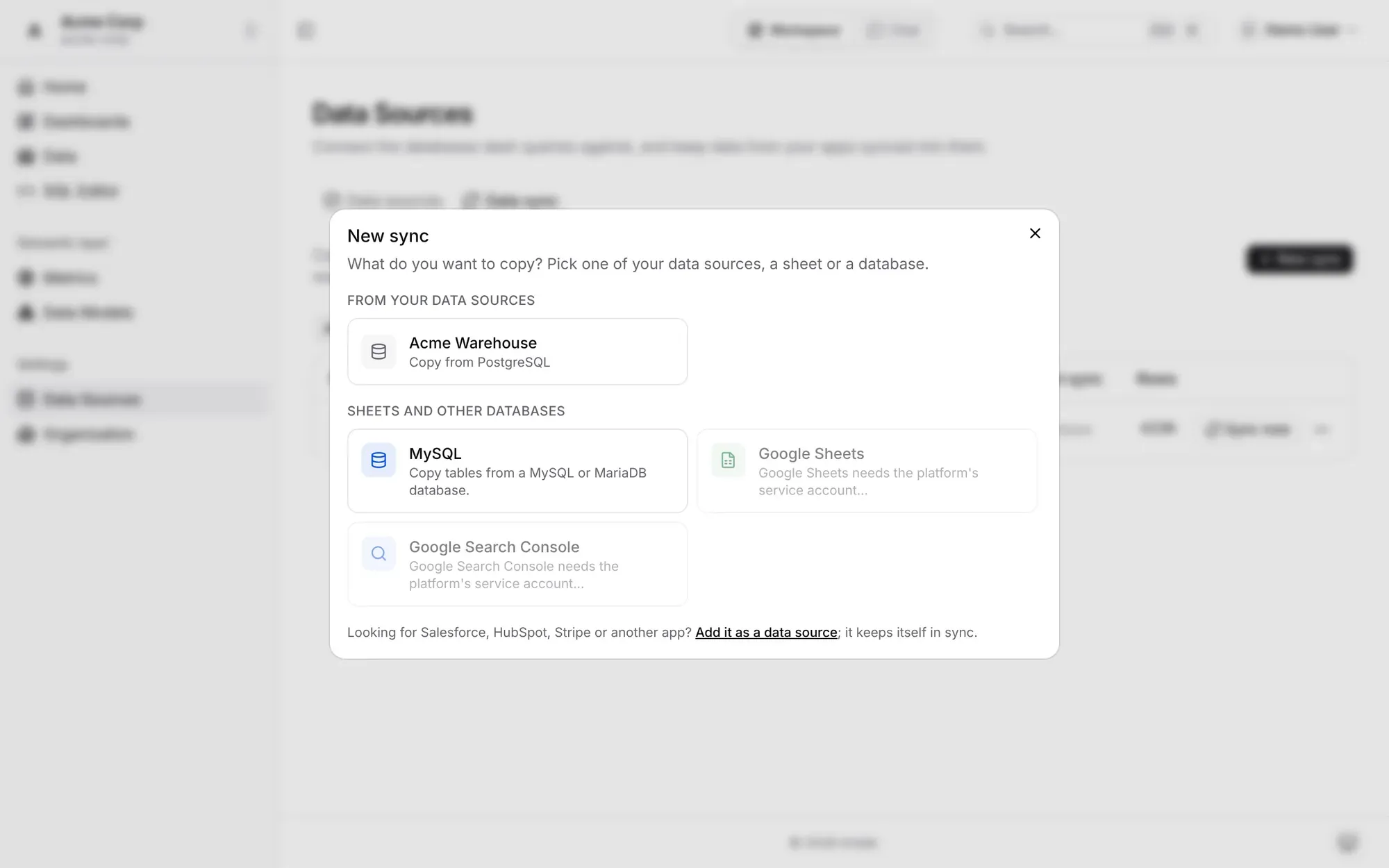
Not everything you need lives in your app’s database. The sales plan is in a spreadsheet, payments are in Stripe, the shop is on Shopify. This release brings them into Orcabase, next to everything else, so one question can use all of it.
Spreadsheets and MySQL, built in
Orcabase copies two kinds of source itself, on a schedule:
- Google Sheets. Share the sheet with Orcabase’s address as a Viewer, paste its link, and each tab becomes a table.
- MySQL (and MariaDB). Enter the host, the database and a login.
Each sync runs every 15 or 30 minutes, every 1, 3, 6 or 12 hours, or once a day: every 6 hours unless you pick otherwise. Each run copies the tables afresh and swaps them in whole, so nobody ever sees half a table.
Hundreds of apps, through Fivetran
For everything else, from Stripe and Shopify to HubSpot and Google Ads, Orcabase uses Fivetran, a service that keeps hundreds of apps’ data in sync. You don’t need a Fivetran account: pick the app, sign in to it, choose what to bring in, and Orcabase does the rest. Your login for the app goes to Fivetran’s own connect screen, never through Orcabase.
Fivetran charges by the rows it brings in each month, so every organization has a monthly allowance (500,000 rows to start) and syncs no more often than every 6 hours. If an organization goes over, its app syncs pause and pick up again when the allowance resets.
Where it lives now
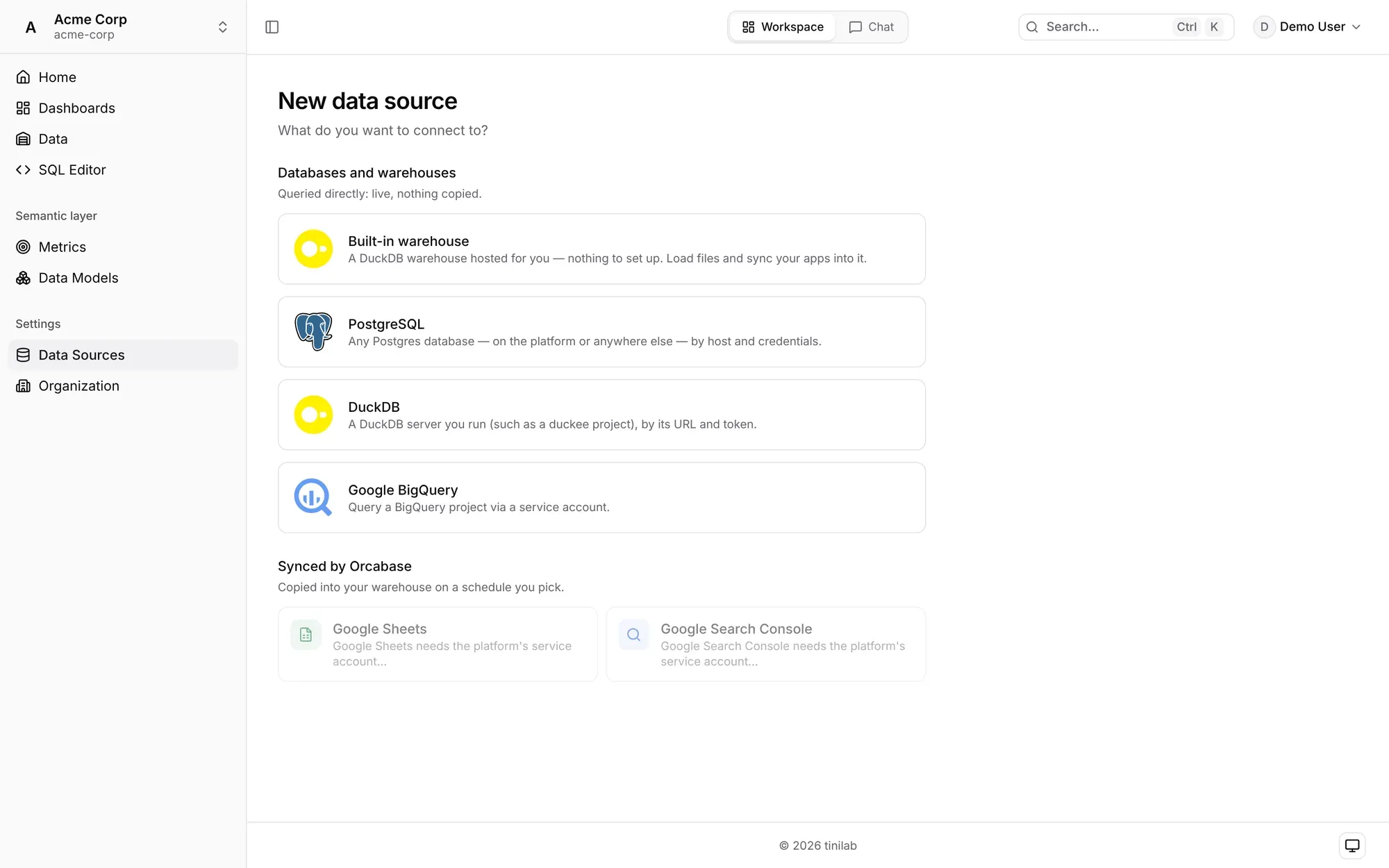
Syncs are on the Data sync tab of Data Sources, under New sync. Apps synced through Fivetran became data sources of their own in October: add one from New data source → Apps.