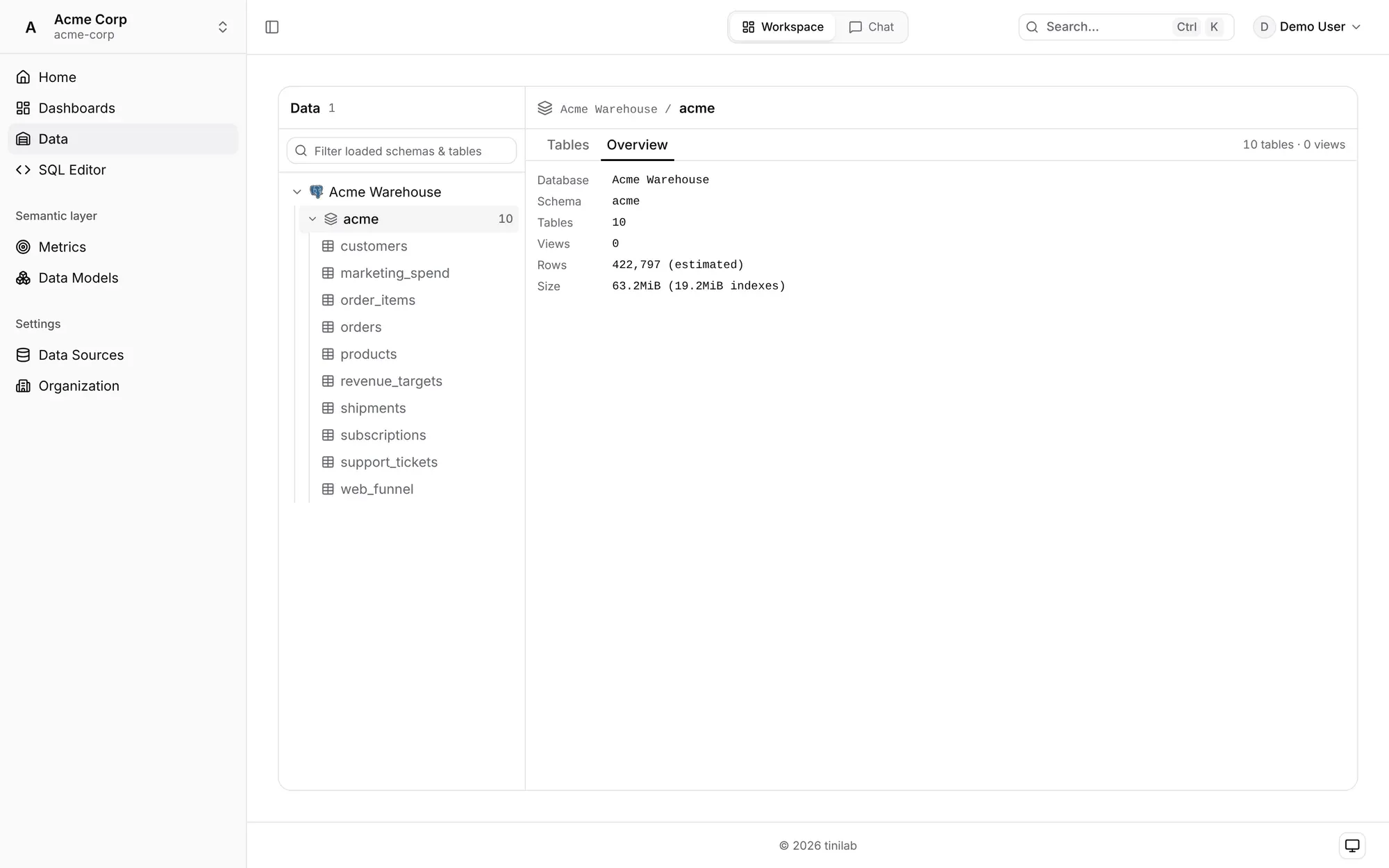
How big is it?
Open any database, schema or table in Data and its Overview tab now says how many rows it holds and how much space it takes, with its tables and views and when it last changed. The numbers come from the database’s own records, so looking costs nothing, even on a huge table. A table’s tabs are now Overview, Profile and Data.
Google Search Console
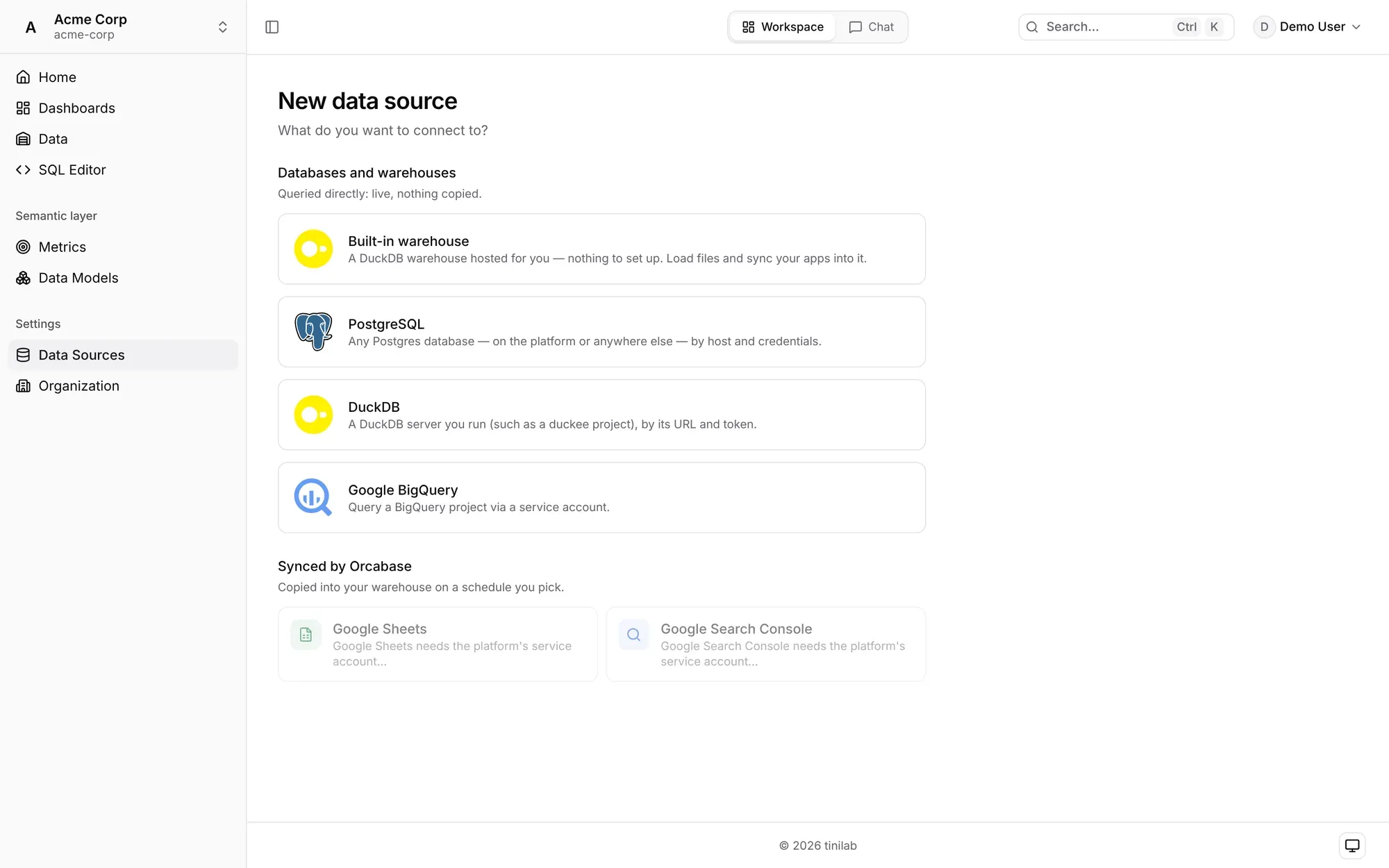
If people find you through Google, Search Console knows which searches brought them: the queries, the pages they landed on, the countries and devices, with clicks, impressions and average position. Now Orcabase can sync it, from New data source → Synced by Orcabase.
- Connect with your Google account and pick the site, or add Orcabase’s service account to it.
- Choose how much history to start with, from 30 days to 480.
- Each sync picks up the newest days and keeps the old ones, so your history grows past the 16 months Google keeps.
What the agent costs
Admins get a new page, Settings → Usage, for the data agent: what it cost over a period against the one before, the tokens and conversations behind it, spend by day, by model and by person, where questions were asked (Chat, a dashboard, a saved question), the most expensive conversations, and who on the team hasn’t tried it yet. Pick a range, filter by model, or Export CSV.
What it covers
Usage covers the data agent only. Your database and warehouse, syncs and assistants connected over MCP aren’t counted there.
BigQuery, with your Google account
Connecting BigQuery no longer needs a key file: under How to connect, pick Google account, sign in, and choose the project. Questions then run as you. A service account key still works, for teams that prefer one.