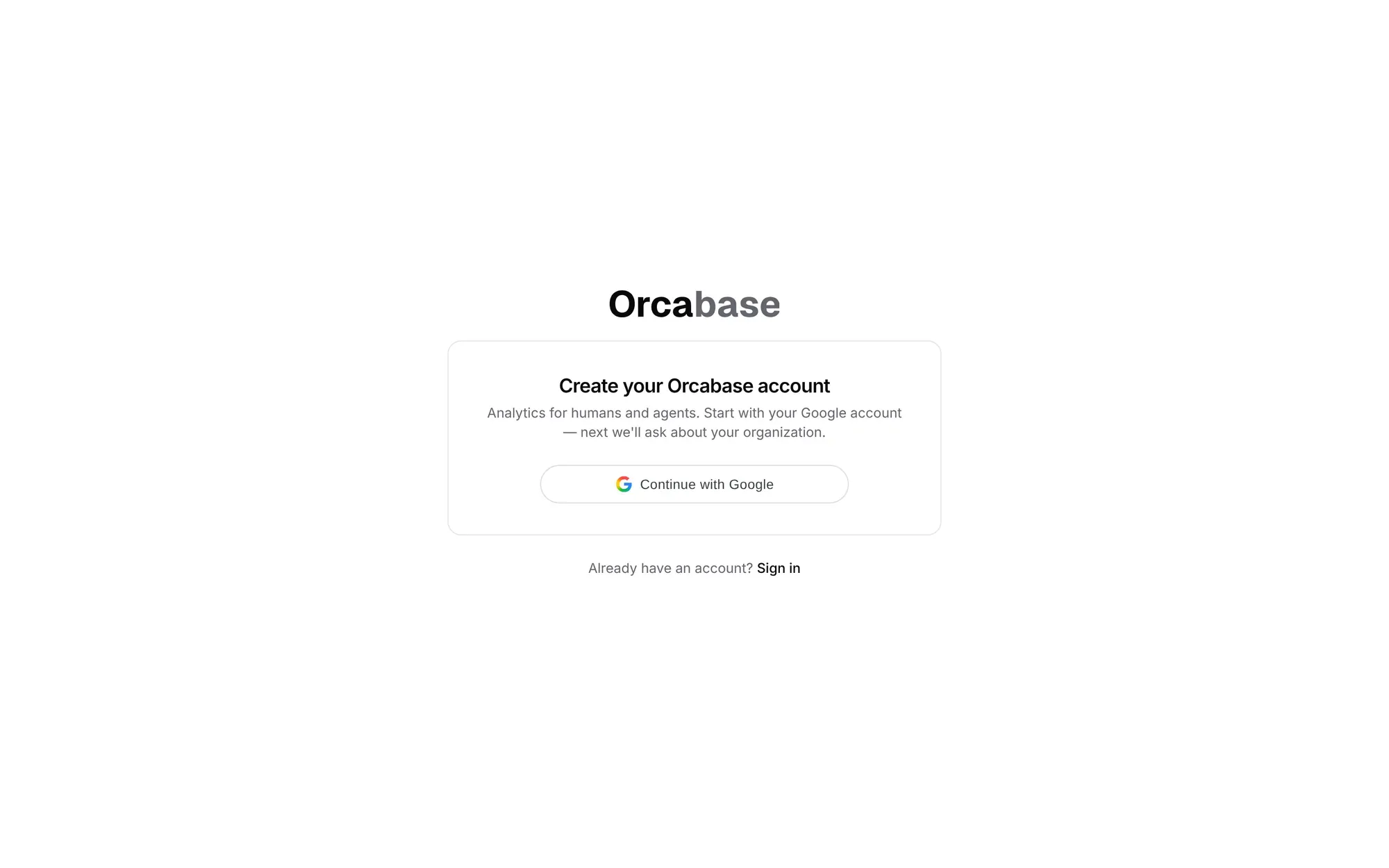
Until now, getting an Orcabase account meant knowing us. Now anyone can apply, from the Get started button anywhere on this site.
How sign-up works
- Continue with Google to create your account.
- Tell us about your organization: its name, website, what it does, how big it is and where it is.
- Tell us about you: your name, your role, and what you want to do with your data.
You’re then on the waitlist. We read each application, and once you’re approved your organization is created, on your time zone, with you as its admin. Sign in while you wait and you’ll see where your application stands; send it again and we get your updated answers.
Never on an old version
When we ship a new version, a notice appears in the corner of the app with a Refresh button. It never reloads the page on its own, so you won’t lose what you’re typing.