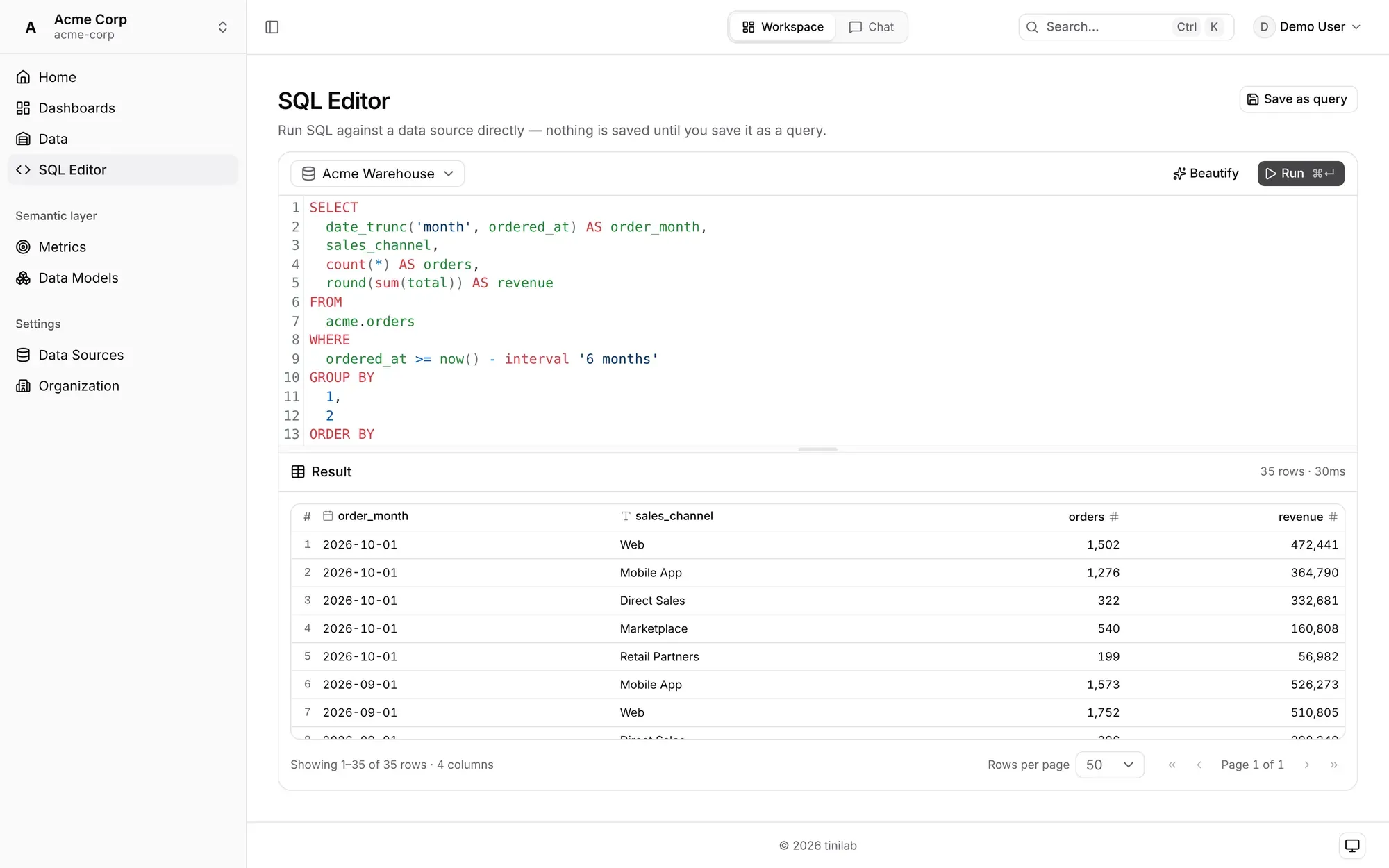
Not every question deserves to be saved. Sometimes you want to check one number, poke at a table, or try a query three ways before you keep one. This release adds a place for that.
The SQL Editor
SQL Editor, in the sidebar, runs SQL against any of your data sources. Nothing is saved until you click Save as query. It highlights your SQL as you type, and its autocomplete knows your data: table names for each schema, and the columns of the tables you’re already selecting from. Press Ctrl+Enter (⌘↵ on a Mac) to run.
Highlight a few lines and the button changes to Run selection, so a long script can be checked one statement at a time. Beautify lays a one-line query out over several, like the one above.
Results you can read
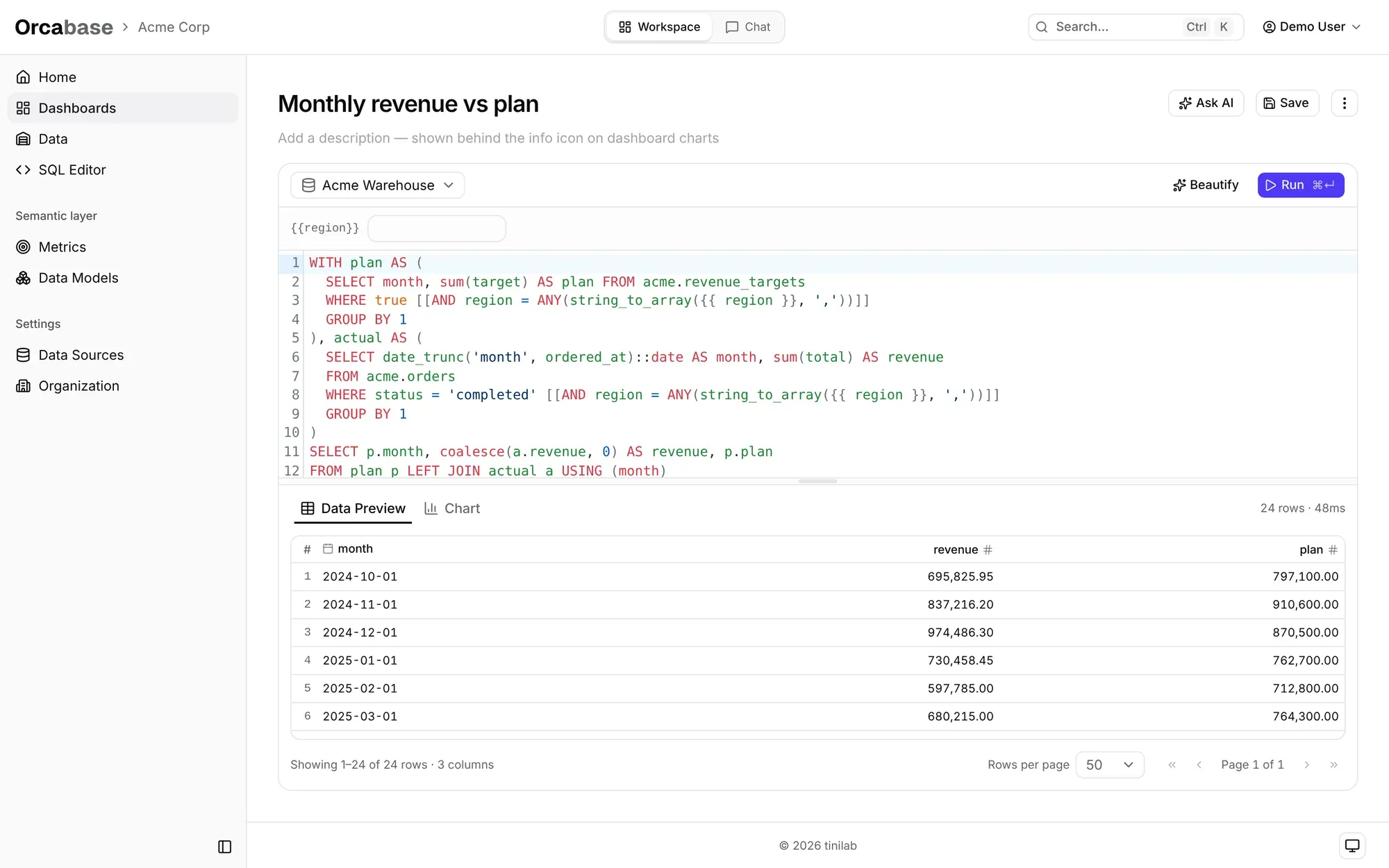
Results now come in a paged grid, called the Data Preview: row numbers, 10 to 250 rows a page, buttons to page through, and a line that says exactly what you’re looking at (Showing 1–50 of …). A result holds up to 5,000 rows.
Dashboards you can rearrange
Charts on a dashboard can now be dragged by their handle and resized from the corner, and the layout is saved for everyone. Put the number you check every morning top left, and give the trend the room it needs.
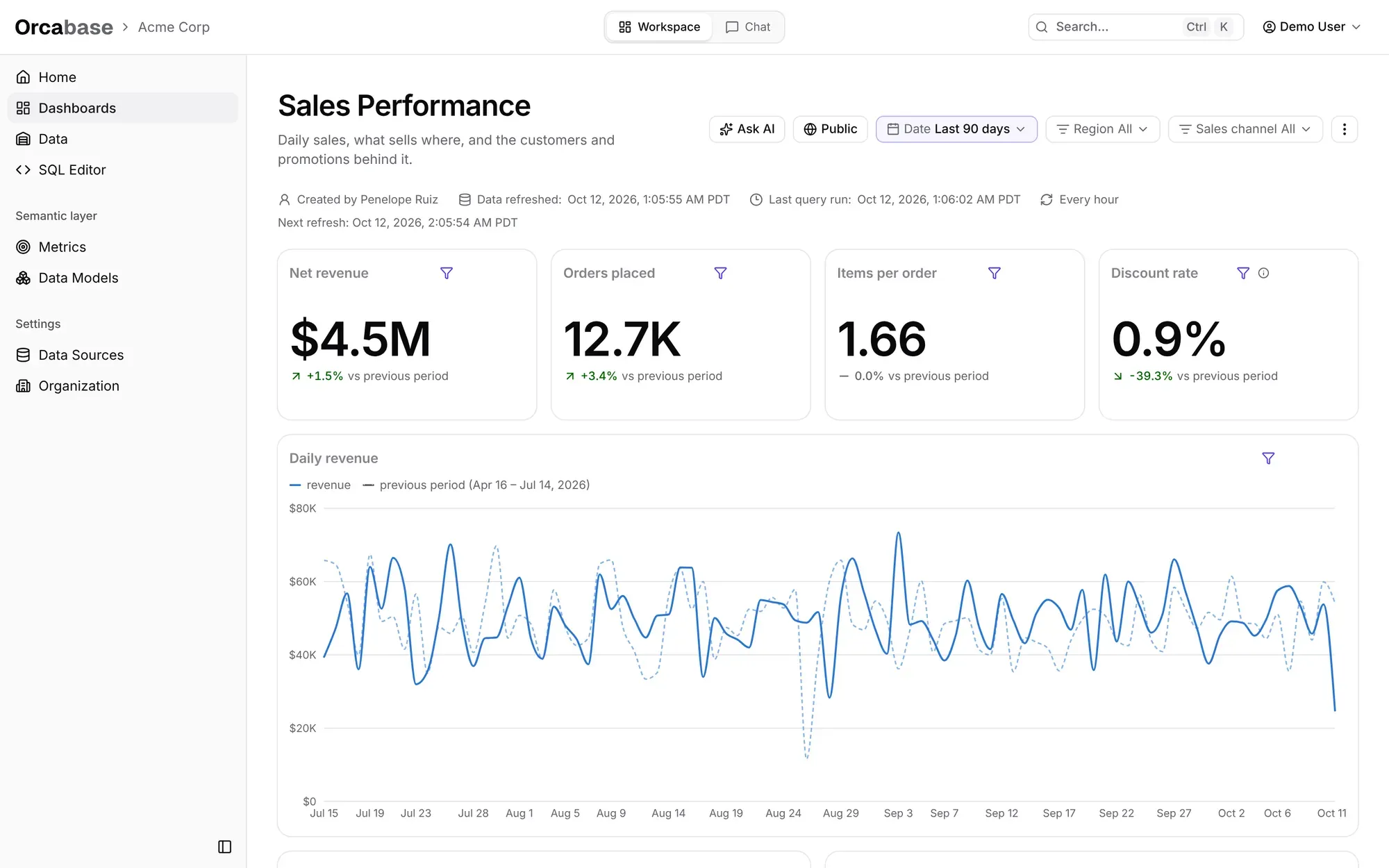
Lists of queries, dashboards and notebooks also say who made each one, so “where did this chart come from?” has an answer.
Since then
The same release brought DuckDB data sources with file uploads. Today, the easiest way to get files and synced apps into Orcabase is the built-in warehouse, which works the same way with nothing to set up.