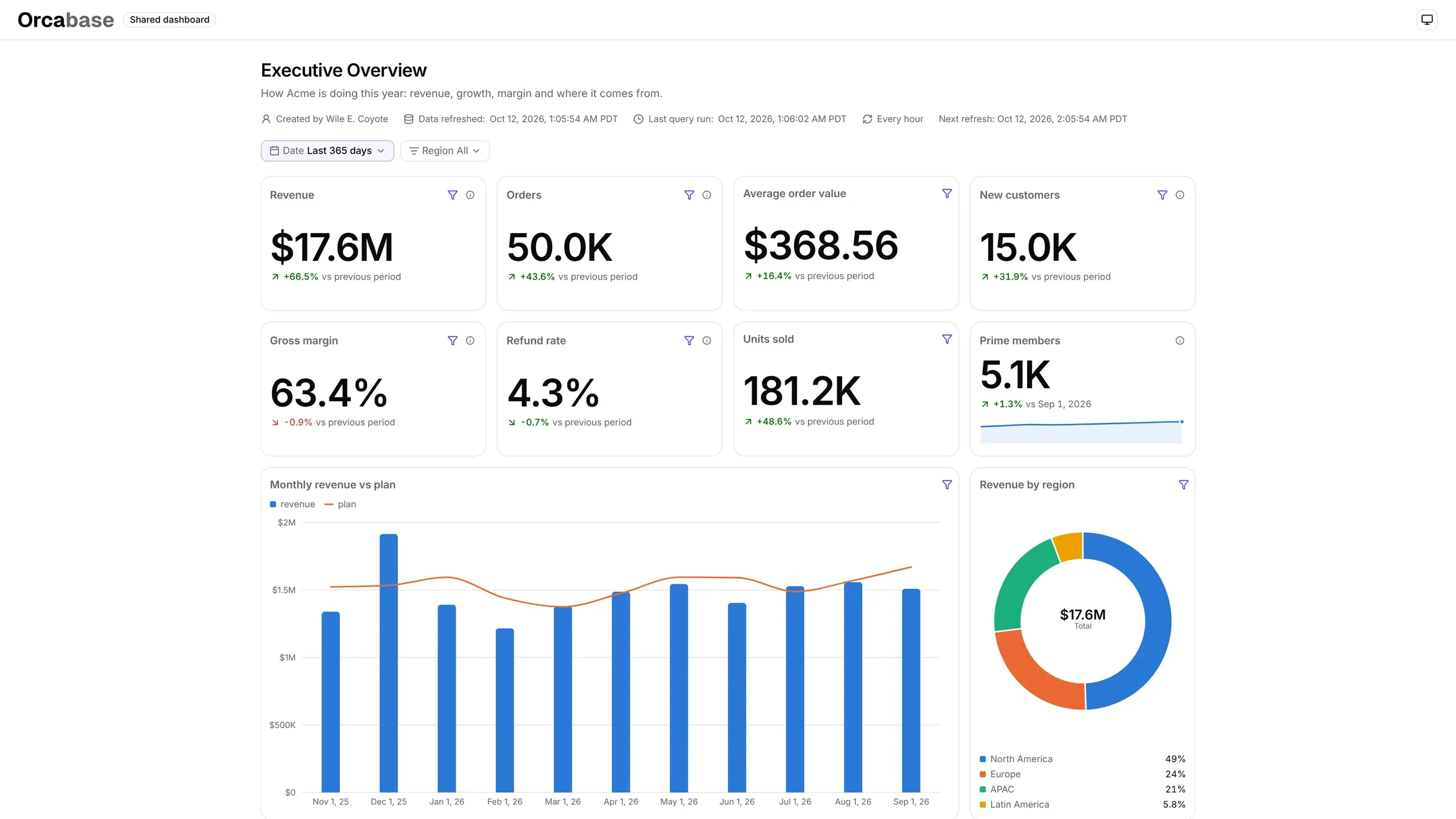
Everyone in your organization can already open every dashboard. But the people who ask “how’s it going?” are often outside it: an advisor, an investor, a partner, the freelancer who runs your ads. Until now you sent them a screenshot, which was out of date by the next morning.
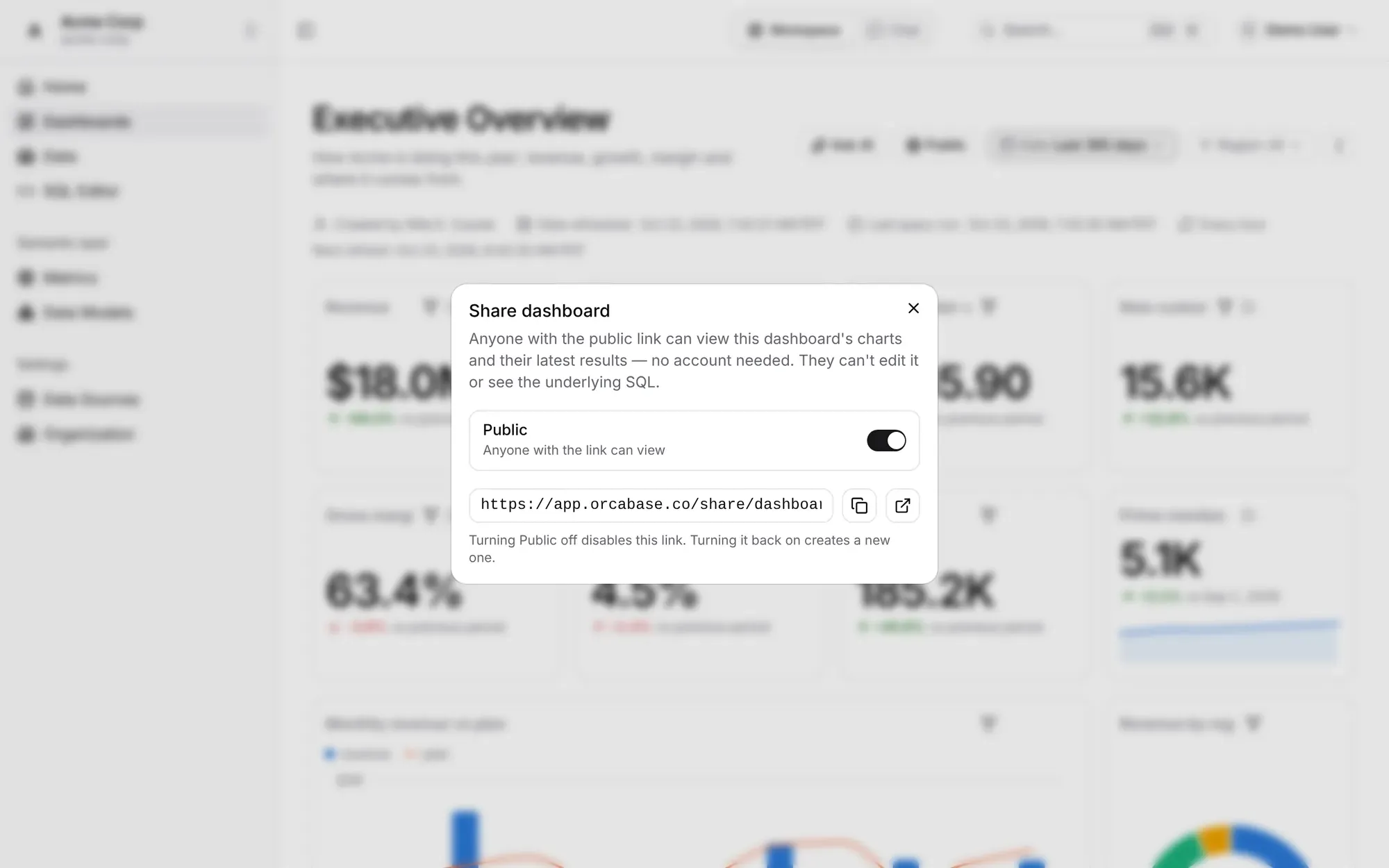
Now you can send the dashboard itself. Open Share, turn on Public, and click Copy link. Anyone with the link sees the dashboard, read-only, without signing in. The button on the dashboard then reads Public, so you always know what’s shared.
What they see, and what they don’t
Viewers get the dashboard’s name, description, layout and charts, drawn from each chart’s latest result. If the dashboard has filters, they get those too. They never see:
- the steps behind a chart, or which fields a filter uses;
- your data sources, or anything else in your organization;
- who made the dashboard;
- error messages from your database.
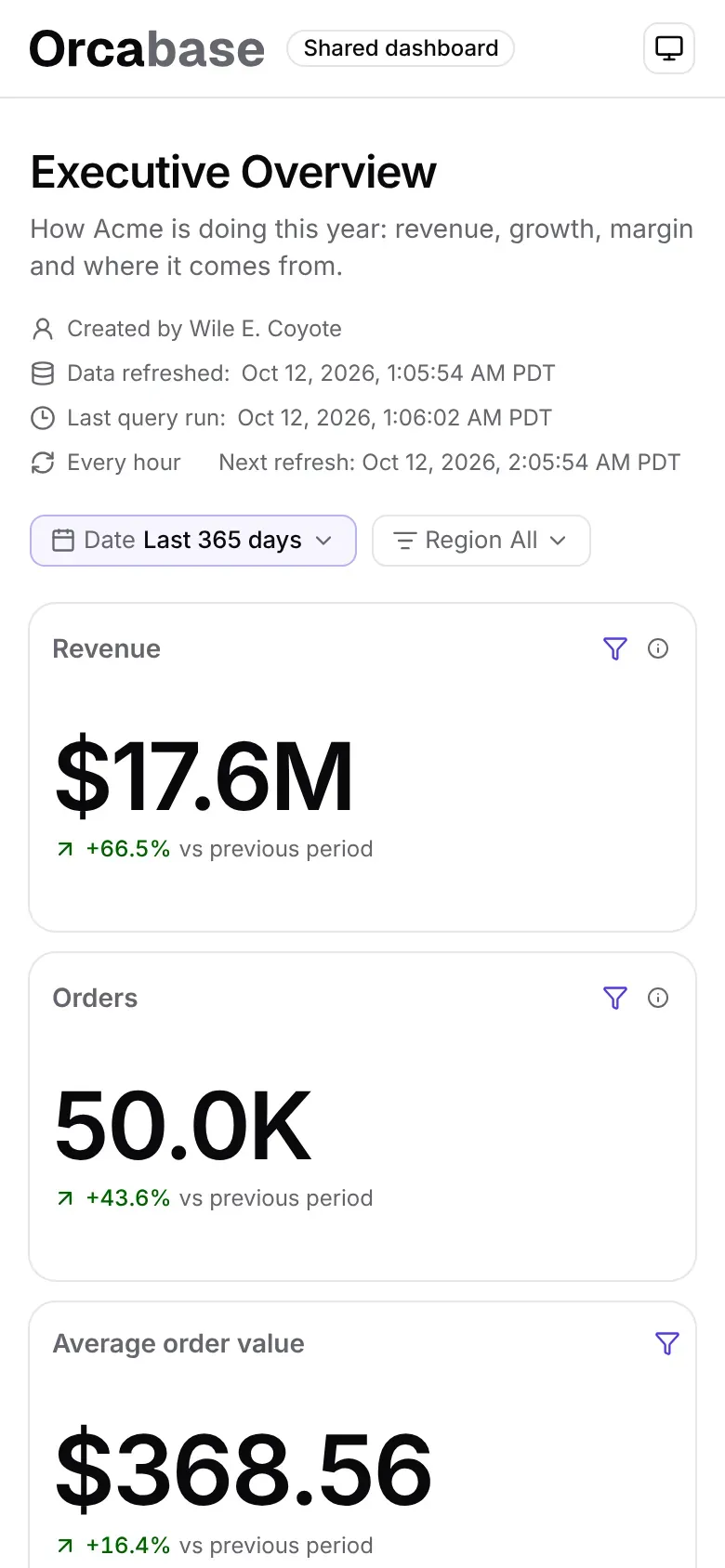
The page works on a phone, too: the charts stack into one column, so a link opened on the train still reads well.
Turn it off anytime
Open Share and switch Public off. The link stops working straight away, for everyone. Turn it on again later and you get a new link; the old one stays dead.
Keep the numbers fresh
A shared dashboard shows each chart’s latest result. Run all of its charts before you send the link, so the first thing your advisor sees is today’s numbers.
Links that look like something
Paste a public link into Slack, X or a messaging app and it unfurls into a card with the dashboard’s name and description, instead of a bare address. The card shows only what the public page already shows.