You probably already have an AI assistant open all day. Until now it knew nothing about your business, so every question about revenue started with a copy and paste. Now you can connect it to Orcabase, and it answers from your real data.
What your assistant can do
Orcabase speaks MCP, the standard way AI assistants plug into other tools. Once connected, Claude or ChatGPT can:
- see which data you’ve connected, and what’s in it;
- answer a question by running it against your data, and show the result;
- save the question as a chart, and build a dashboard from your charts;
- and, since metrics arrived a week later, use the numbers you’ve certified, so its revenue is your revenue.
Nothing it does deletes anything. Every chart and dashboard it makes appears in Orcabase, where your team can see it, change it or throw it away.
Connecting takes two minutes
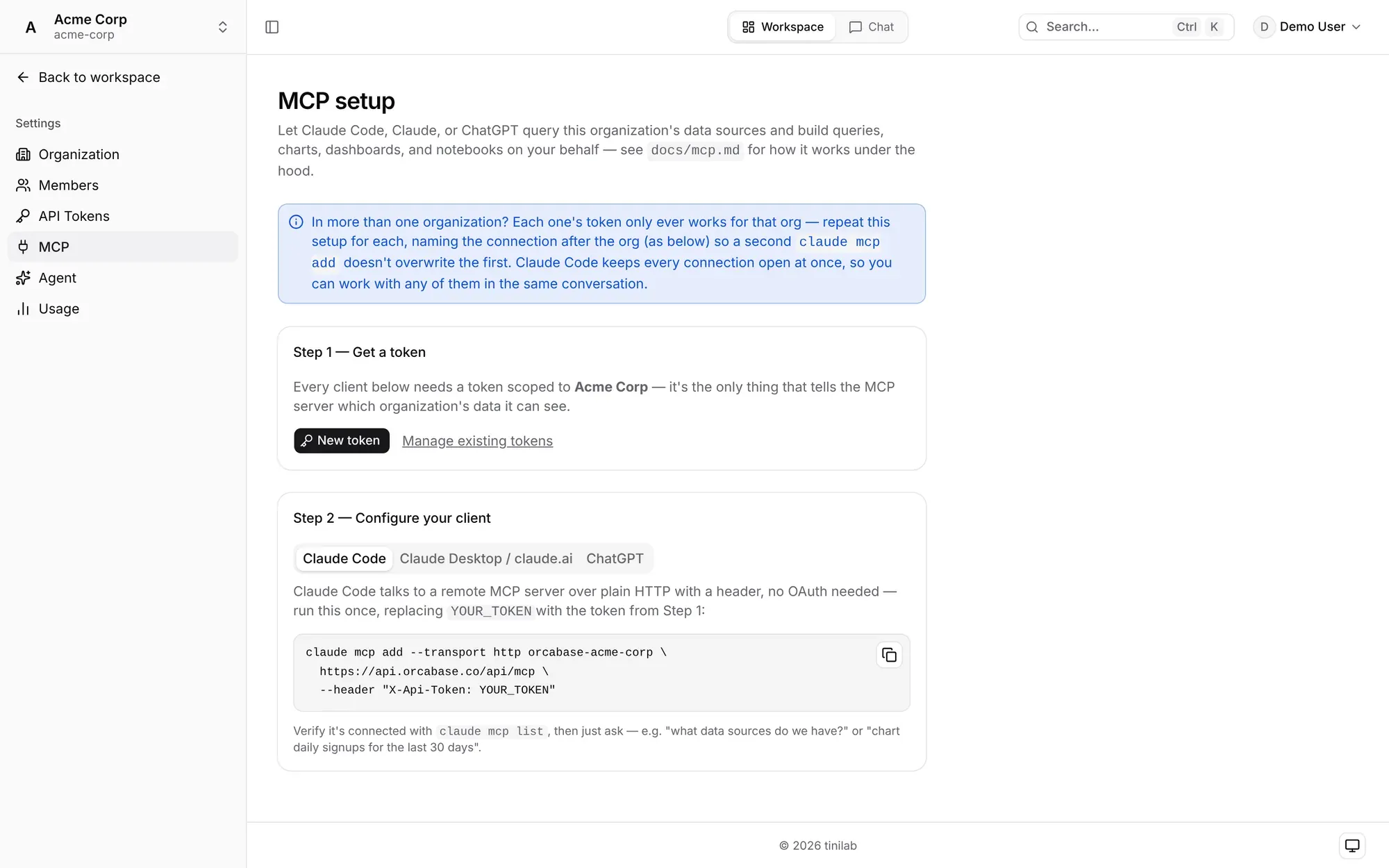
In Orcabase, open Settings → API Tokens and create a token. Then Settings → MCP shows the exact setup for your assistant, with tabs for Claude Code, Claude Desktop / claude.ai and ChatGPT, ready to copy. A token belongs to one organization, and only ever sees that organization’s data.
Several companies?
Make one token and one connection per organization, named after it. Claude Code keeps all of them open at once, so you can ask about each company in the same conversation.
Your team, signed in
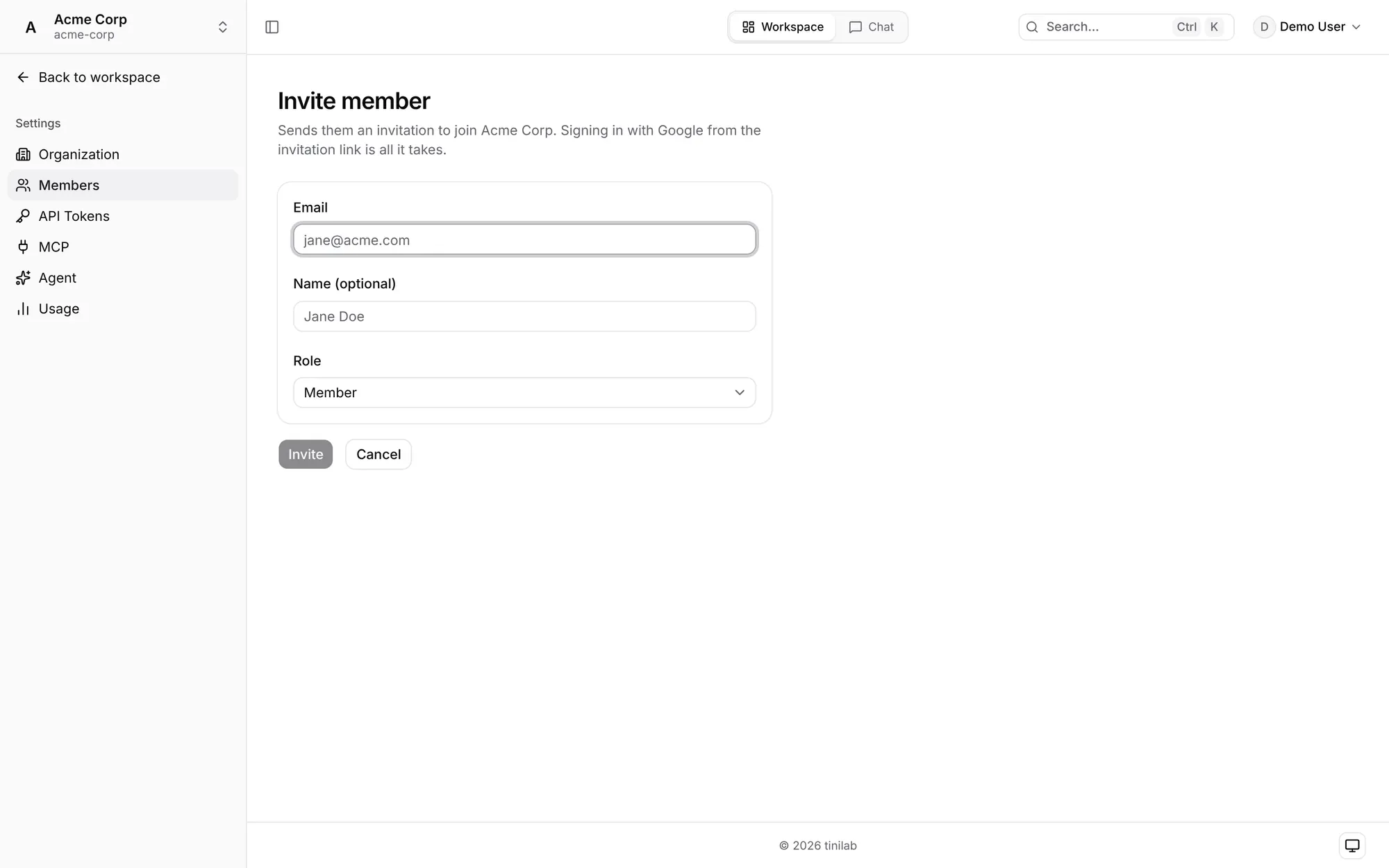
The same week, Orcabase got real team logins. Everyone signs in with Google, sees only their own organization, and is either a Member or an Admin.